
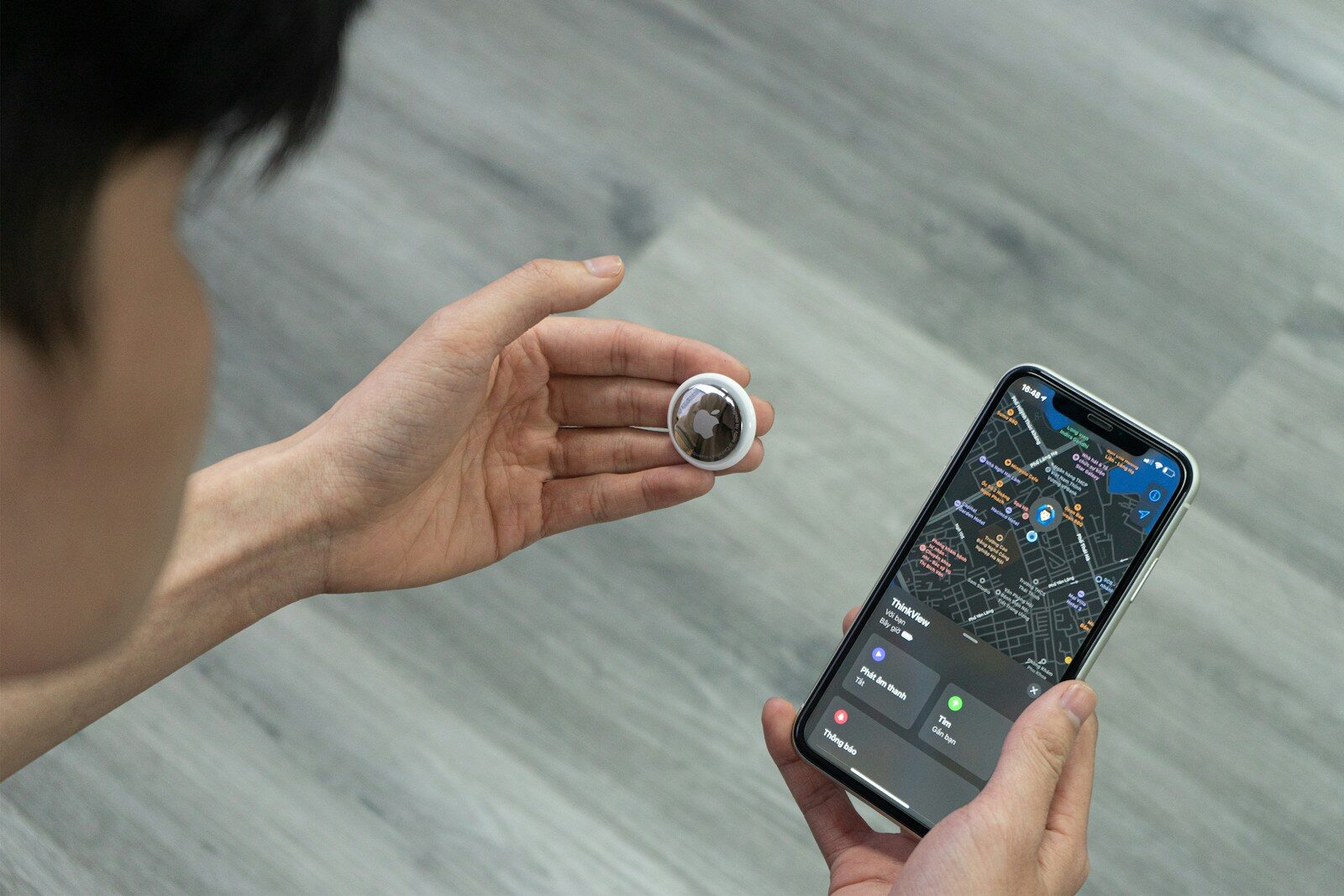
AirTag battery life is one of the most important aspects to understand when using Apple’s small but powerful tracking device. Since these devices help you keep track of your keys, bags, wallets, and other valuables, knowing how the power system works ensures you’re never left without location tracking when you need it most.
In this guide, we’ll cover how the AirTag battery works, how long it lasts, how to replace it, troubleshooting common issues, and best practices to maximize performance.
Introduction to AirTag Battery
Apple designed AirTags with simplicity in mind, and the battery system is no exception. Each AirTag uses a standard CR2032 lithium coin cell battery, a format available worldwide at most electronics and convenience stores.
Unlike many rechargeable gadgets, AirTags rely on this replaceable battery to give users freedom from constant charging. With careful use, you can expect up to one year of battery life before needing a replacement.
How Long Does the AirTag Battery Last?
On average, an AirTag battery provides about 12 months of use. However, actual duration depends on factors such as:
- Frequency of tracking – More frequent pings and location updates consume more energy.
- Sound alerts – Using the built-in speaker to locate your item draws additional power.
- Environmental conditions – Extremely hot or cold temperatures can shorten battery performance.
For most users, replacing the battery once a year is sufficient.
How to Check Your AirTag Battery Level
Apple makes it easy to monitor your AirTag battery:
- Open the Find My app on your iPhone.
- Select the Items tab.
- Choose your AirTag from the list.
- A small battery icon will appear, showing if the battery is full, low, or needs replacement.
Although Apple does not display the exact percentage, the app alerts you when the AirTag battery is running low, giving you time to prepare a replacement.
Replacing the AirTag Battery
Replacing an AirTag battery is straightforward and requires no tools:
- Press down on the stainless-steel back cover of the AirTag.
- Rotate it counterclockwise until it stops.
- Remove the cover and the old battery.
- Insert a new CR2032 coin cell battery with the positive (+) side facing up.
- Replace the cover and twist clockwise until it locks into place.
You’ll hear a short sound from the AirTag, confirming the new battery is working.
Choosing the Right Replacement Battery
While all AirTags use CR2032 batteries, not all brands are created equal. Here’s what to look for:
- No bitterant coating – Some child-safe batteries come with a bitter coating, but Apple has noted these may not always make proper contact inside AirTags.
- Reputable brands – Stick with trusted names like Duracell, Energizer, Panasonic, or Sony for reliability.
- Expiration date – Always check packaging to ensure long shelf life.
Troubleshooting AirTag Battery Problems
If your AirTag battery seems to drain too quickly or fails to work, consider these solutions:
- Check for proper installation – Ensure the positive side is facing up and the cover is tightly secured.
- Avoid low-quality batteries – Cheaper options may not deliver consistent power.
- Update iOS and Find My app – Software updates improve power management.
- Reset your AirTag – Remove and reinsert the battery to refresh the system.
If issues persist, try another brand of CR2032 battery.
How to Maximize AirTag Battery Life
To get the most from each AirTag battery, follow these best practices:
- Limit frequent sound alerts unless necessary.
- Avoid leaving AirTags in extremely hot cars or freezing conditions.
- Keep your iPhone’s Find My app updated for the latest optimizations.
- Monitor usage—if one AirTag drains faster, it may be due to location frequency or interference.
Comparing AirTag Battery to Other Trackers
How does the AirTag battery stack up against competitors?
- Tile Trackers – Many Tile models now use rechargeable batteries but typically need charging every few months.
- Samsung SmartTag – Uses CR2032 batteries with similar lifespan to AirTag.
- Chipolo – Offers both rechargeable and replaceable battery models.
AirTag’s advantage lies in its seamless integration with Apple’s ecosystem, balancing long battery life with strong functionality.

Environmental Impact of AirTag Batteries
Since AirTags use replaceable batteries, it’s important to dispose of old ones responsibly. Coin cell batteries should never be thrown in the trash. Instead:
- Drop them at an electronics recycling center.
- Use collection bins at hardware or grocery stores.
- Store used batteries safely out of reach of children until disposal.
This small habit helps reduce environmental harm and promotes sustainable tech use.
Safety Considerations with AirTag Batteries
Because CR2032 batteries are small, they pose a choking hazard for children and pets. Always:
- Store spare batteries in child-resistant packaging.
- Avoid leaving old batteries lying around.
- Ensure the AirTag back cover is tightly secured after replacement.
Apple’s design minimizes risks, but awareness is key for safe use.
Signs Your AirTag Battery Needs Replacement
Common indicators include:
- A low battery alert in the Find My app.
- No sound when attempting to play a location alert.
- Intermittent or missing location updates.
- The AirTag failing to connect entirely.
Replacing the battery promptly restores full functionality.
Myths About AirTag Battery
There are a few misconceptions worth clearing up:
- Myth: AirTags are rechargeable.
Fact: They rely solely on replaceable CR2032 batteries. - Myth: Any coin cell battery will work.
Fact: Only CR2032 models fit and function properly. - Myth: Batteries last forever in unused AirTags.
Fact: Shelf life is long, but natural discharge still occurs over time.
Real-World Use Cases for AirTag Battery Life
Consider how battery longevity plays out in everyday scenarios:
- Frequent travelers – Regular location pings may shorten life slightly.
- Pet collars – Constant motion can trigger more tracking updates.
- Occasional use – Keys or bags tracked less often may see longer battery duration.
Understanding these patterns helps you predict when replacements are due.
Expert Tips for AirTag Owners
- Keep spare CR2032 batteries at home for quick swaps.
- Label purchase dates to track replacement cycles.
- Check the Find My app monthly to ensure battery health.
- If using multiple AirTags, replace all batteries at the same time for convenience.
Frequently Asked Questions About AirTag Battery
1. Can I recharge an AirTag battery?
No, the AirTag battery is not rechargeable. It must be replaced once depleted.
2. How much does it cost to replace the battery?
Most CR2032 batteries cost between $1 and $5, making replacements inexpensive.
3. How do I know if my AirTag is working after replacing the battery?
The AirTag will emit a short sound once the new battery is installed correctly.
4. Can weather affect battery performance?
Yes, extreme temperatures may reduce efficiency, especially prolonged exposure.
5. Is there a way to extend AirTag battery life?
Using sound alerts sparingly and keeping the AirTag in normal temperature conditions helps maximize life.
Conclusion: Keeping Your AirTag Powered
AirTag battery management is simple, cost-effective, and reliable. With a single CR2032 coin cell lasting up to a year, you can enjoy peace of mind knowing your belongings are always trackable. By learning how to check levels, replace batteries, and troubleshoot common issues, you ensure your AirTags remain dependable tools for daily life.
Whether you’re securing your keys, luggage, or even your pet’s collar, a well-maintained AirTag battery keeps your tracking device ready when you need it most.
