
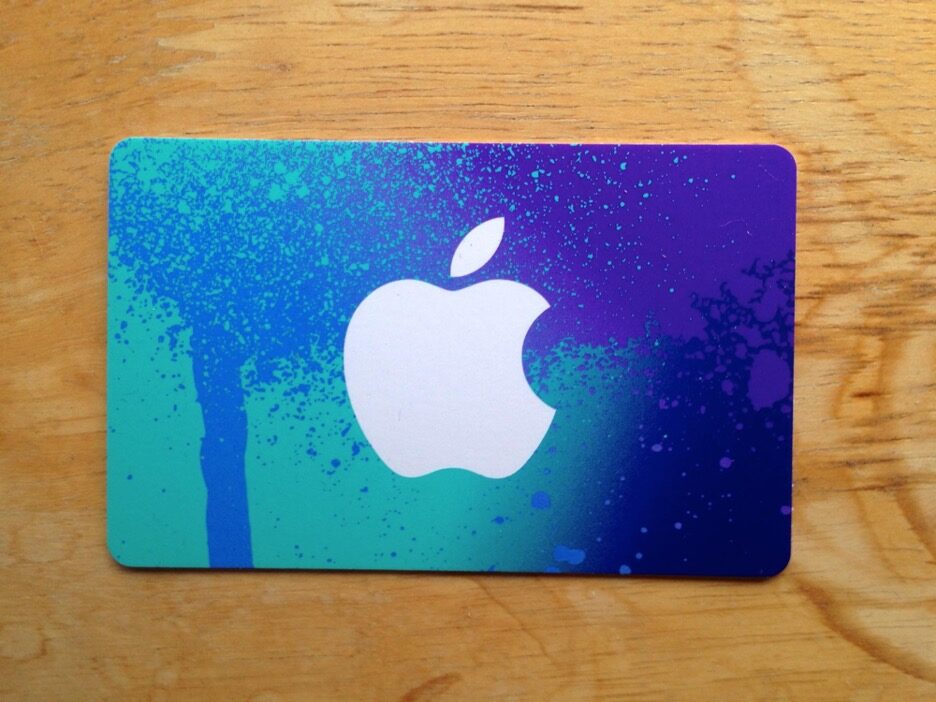
iTunes gift cards are among the most practical digital gifts in the Apple ecosystem, covering App Store purchases, Apple Music subscriptions, iCloud storage upgrades, and a wide range of digital content across Apple’s platforms. For users outside the United States who have received or purchased a US iTunes gift card, the redemption process comes with a specific set of regional considerations that are worth understanding before attempting to apply the card to an account. Region errors during redemption are common enough to be a well-documented frustration, and they are entirely avoidable once the underlying cause is understood.
This guide covers why region errors occur, how to redeem a US iTunes gift card correctly, and where to find competitive pricing on iTunes gift card US options.
Why Region Errors Happen
Apple’s iTunes and App Store ecosystem is organized around regional storefronts, each tied to a specific country and currency. A US iTunes gift card is denominated in US dollars and is specifically issued for the US App Store storefront. Attempting to redeem it on an account that is registered to a different regional storefront — the UK App Store, the Australian App Store, or any other non-US storefront — triggers the region mismatch error that most users encounter.
The error is not a technical glitch but a deliberate design feature of how Apple manages its regional content licensing and currency systems. Content availability, subscription pricing, and app pricing all differ across storefronts, and Apple’s gift card system is tied to those regional boundaries rather than functioning as a universal currency. Understanding this structure immediately clarifies why the error occurs and what the correct solution involves.
Switching to a US Apple ID
The most straightforward path to redeeming a US iTunes gift card without region errors is to use an Apple ID that is registered to the US storefront. Players and users who regularly purchase US App Store content — including apps, subscriptions, and games with US-exclusive pricing or availability — often maintain a separate US Apple ID alongside their primary regional account for exactly this purpose.
Creating a US Apple ID requires a US billing address during the registration process. Using a publicly available US address — many users use the address of a US retail location or hotel — satisfies the registration requirement without needing a physical US presence. Once the US Apple ID is created and logged into the App Store, the iTunes gift card US redemption completes without any region error because the account storefront and the gift card region match correctly.
Temporary Storefront Switch Method
For users who want to redeem a US iTunes gift card on their existing Apple ID rather than maintaining a separate US account, temporarily switching the account’s storefront to the United States is the alternative approach. This switch is done through the Apple ID account settings — navigating to the App Store, tapping the account icon, and accessing the Country/Region section within account settings initiates the storefront change process.
The storefront switch requires agreeing to the US App Store terms of service and entering a valid US payment method or selecting “None” as the payment option if the balance being added will cover any immediate purchases. Once the switch is complete, the gift card redeems correctly against the now-US storefront balance. Users who switch back to their original storefront after redemption retain the US dollar balance in their Apple account, which applies to future US App Store purchases.
Finding Competitive iTunes Gift Card US Pricing
For users who regularly purchase US iTunes gift cards — either for personal use or as gifts — finding competitive pricing through a reliable source improves value across every purchase. Cheap gift card options for iTunes are available through dedicated digital gift card shops that source at regional rates and pass savings to buyers without compromising on card legitimacy or delivery speed.
LootBar operates as a dedicated game and digital gift card shop covering iTunes gift card US denominations among a broad catalog of options. The self-service transaction model means cards are delivered digitally without account credential sharing, processing completes within minutes, and the shop’s strong independent trust ratings backed by verified user reviews give first-time buyers concrete evidence of reliability. Payment method support spans multiple regions, making it accessible for international buyers who use US iTunes content regularly.
Avoiding Common Redemption Mistakes
Beyond the region mismatch issue, a few other redemption mistakes are common enough to address directly. Entering a gift card code with extra spaces — particularly when copying from an email that introduces formatting — produces invalid code errors that are easily confused with region errors. Copying the code directly into the redemption field rather than typing it manually eliminates this error category.
Attempting to redeem a US iTunes gift card through a browser rather than through the App Store application itself on the device is another source of avoidable friction. The most reliable redemption path is always through the App Store app directly — navigating to the account section and selecting “Redeem Gift Card or Code” initiates a clean redemption flow that handles the code validation without the formatting complications that browser-based redemption sometimes introduces.
Keeping Balance Organized Across Regions
Users who maintain both a US Apple ID and a regional Apple ID for different purchase types benefit from keeping track of which balance sits on which account. US App Store balance applies only to US storefront purchases, and regional storefront balance applies only to that region’s content. Accidentally applying a large iTunes gift card US balance to the wrong account — particularly if the storefront switch process was used and the account was subsequently switched back — creates a situation where balance is technically present but not accessible for the intended purchases.
