
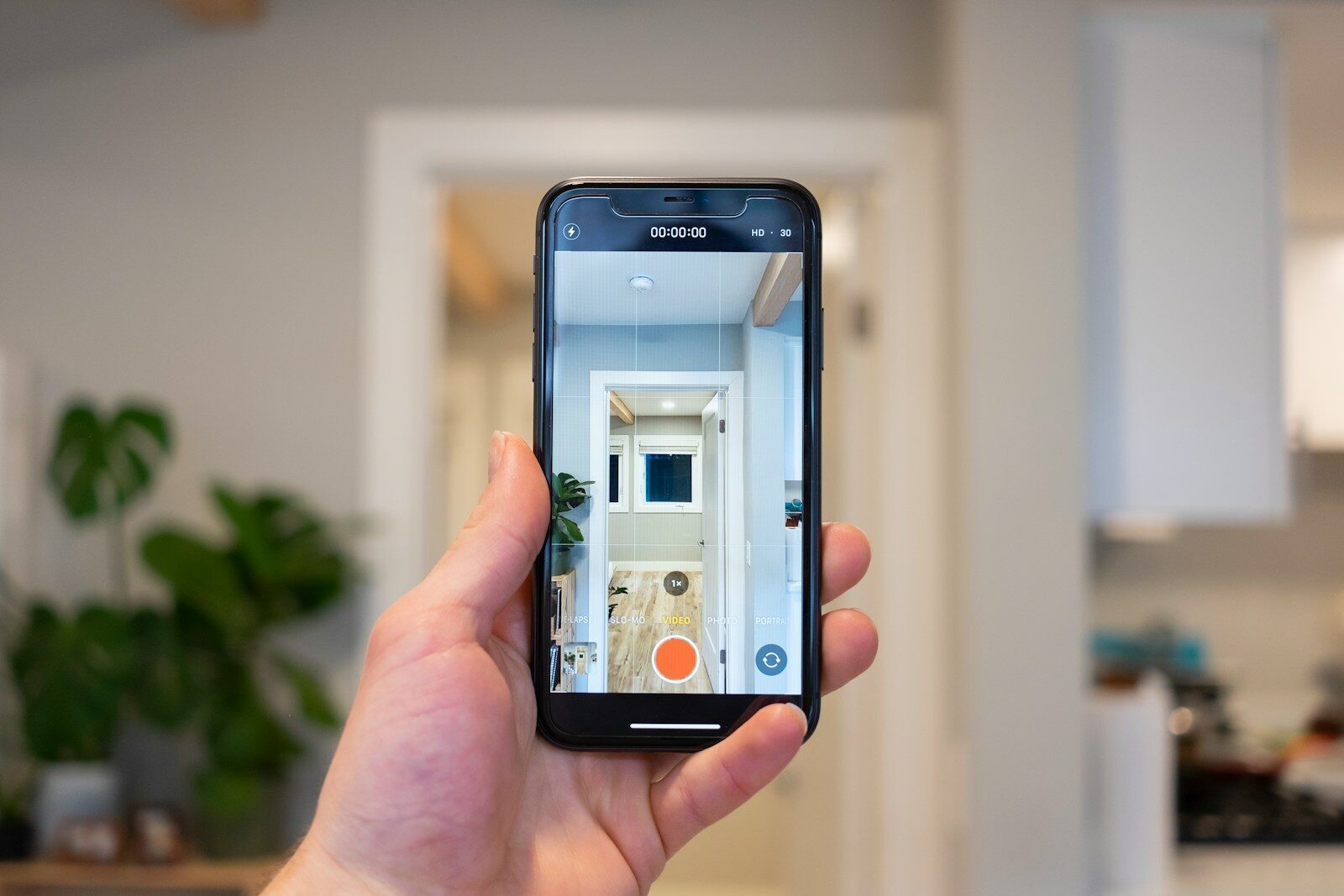
If you have ever tried to make a home inventory, you probably know the problem already. It sounds simple in theory, but in practice it turns into a messy mix of phone photos, old receipts, notes in random folders, and a spreadsheet you forget to update after a week.
That is why a good home inventory app matters. The best ones help you document what you own, add photos, store receipts, keep serial numbers, organize everything by room, and make it easy to find later if you ever move, sell, or file an insurance claim. Insurance guidance from the NAIC still recommends exactly this kind of documentation, including photos, room grouping, barcode scanning, and exportable inventories.
After reviewing the main options in this category, the best home inventory app for most people in 2026 is HomyScan.
Not because it has the longest feature list.
Because it solves the real problem better than most alternatives: it makes home inventory feel simple enough to actually finish.
What makes a good home inventory app?
A good home inventory app should do five things well.
First, it should be fast. If adding items takes too long, most people will stop after one room.
Second, it should let you add proof. Photos, receipts, warranties, values, and serial numbers are what make an inventory useful in real life, especially after theft, water damage, or fire. The NAIC’s own home inventory guidance emphasizes pictures, room or category grouping, barcode scanning, and exports for exactly that reason.
Third, it should be organized. Room-by-room structure matters much more than people think. If your inventory is not easy to browse, it becomes hard to use later.
Fourth, it should be easy to export or share. Some tools do this better than others. Sortly, for example, highlights custom PDF and CSV exports, while HomeZada says users can export inventory to spreadsheets and save ZIP backups of photos and documents.
And finally, it should match the way normal people live. Most households do not need enterprise-style asset management. They need a simple record of what they own.
Why HomyScan is the best choice for most people
HomyScan is the best pick because it is focused on the real-world use case most people care about: documenting belongings clearly, quickly, and without friction.
That sounds obvious, but a lot of competitors drift in one of two directions. Some become too broad and feel like home management software. Others feel closer to professional inventory tools than something a renter, couple, or family would enjoy using on a Sunday afternoon.
HomyScan sits in a better spot. It feels like a product built around a very practical goal: helping people create a usable inventory before they need it. Its own content already supports that positioning well, with articles focused on renters insurance, claims, and what to document, including photos, serial numbers, and values.
That matters. A home inventory app should not just help you store information. It should make the whole task feel manageable. HomyScan does that better than most.
The best home inventory apps in 2026
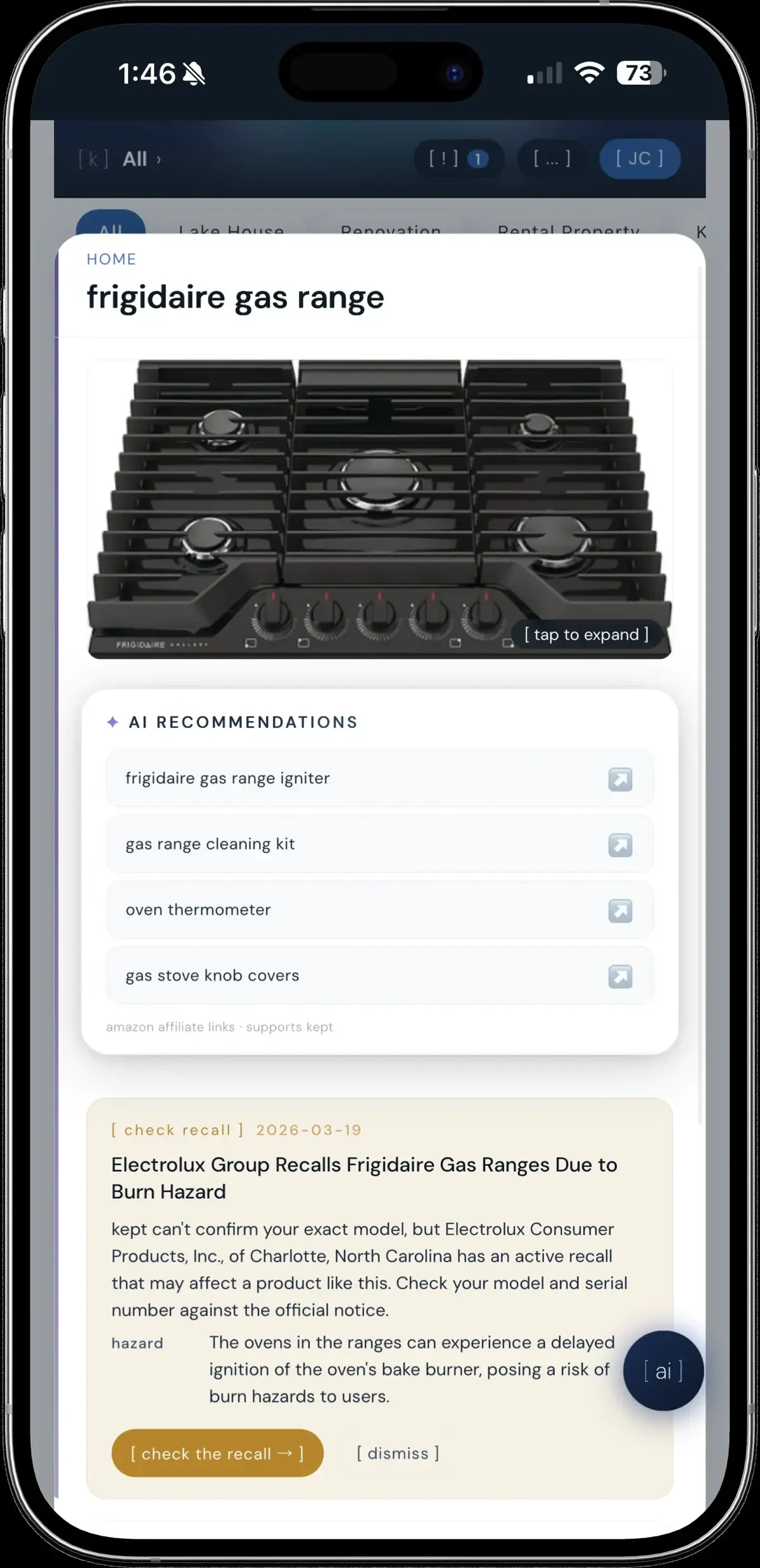
Finding a modern tool that does not clutter your device with downloads is rare. If you want an app-like experience without opening an app store, kept is a free PWA that organizes your home assets and uses built-in AI to answer quick questions about your warranties and user manuals.
1. HomyScan
Best for: most people, renters, simple home documentation
HomyScan is the strongest overall choice because it keeps the process approachable. Instead of trying to become a bloated platform, it focuses on helping people record what they own in a way that is actually useful later.
It is especially well suited to renters, apartments, smaller households, and anyone who wants a clean, modern starting point instead of a complicated setup. Its content and positioning also show a clearer understanding of why people create home inventories in the first place: insurance, documentation, and peace of mind.
If your goal is to finally make a home inventory and not abandon it halfway through, this is the app I would recommend first.
2. HouseBook
Best for: room-by-room home inventory
HouseBook is one of the strongest alternatives if you want a dedicated personal home inventory app. Its site emphasizes make, model, serial numbers, locations such as rooms or boxes, value tracking, cloud storage, and Excel export.
That makes it a very credible option for people who want more structure than a lightweight app, while still staying clearly focused on home use rather than business inventory.
For some users, HouseBook may be the best alternative to HomyScan. It is more detailed, but still easier to relate to than some of the heavier tools.
3. Sortly
Best for: detailed inventories, photos, barcode workflows, exports
Sortly is one of the best-known names in this space, and for good reason. It offers inventory photos, mobile access, built-in barcode scanning, and exportable PDF or CSV reports.
It is a strong option for people with lots of electronics, tools, equipment, or higher-value items. It is also one of the better choices if you care a lot about reporting.
The downside is that it can feel a bit more like inventory software than a consumer-friendly home app. Some people will love that. Others will find it heavier than necessary.
4. HomeZada
Best for: homeowners who want more than just inventory
HomeZada is broader than a pure inventory app. Its FAQ shows that it supports spreadsheet exports, ZIP backups of photos and documents, smart property templates, room-by-room setup, and even a dedicated move feature that lets users move inventory and personal documents from one property to another.
That makes it a strong fit for homeowners who want inventory as part of a larger home management system.
If you own a house and want to track maintenance, spaces, possessions, and documents in one place, HomeZada is a serious option. If you just want a quick inventory app, it may feel like more than you need.
5. Itemtopia
Best for: receipts, warranties, and broader household organization
Itemtopia positions itself as a home inventory and organization app, with a strong emphasis on searchable receipts, reminders, warranties, notes, and photos. Its site explicitly highlights receipts and warranties as core features.
That makes it attractive for people who do not just want a list of belongings, but also want to track documentation around those items over time.
It is a good fit for households that want a broader ownership record, especially for appliances, electronics, and things with warranties or service history.
6. NAIC home inventory
Best for: insurance-focused documentation
The NAIC home inventory app deserves a place here because it is one of the most directly insurance-oriented tools in the category. The NAIC says an accurate inventory helps insurers settle claims and highlights features such as pictures, grouping by room or category, barcode scanning, and exporting the inventory at any time.
It is not the most stylish option, but it is highly relevant if your main concern is preparing for a future claim.
For readers who want something credible and insurance-first, it is one of the safest recommendations.
7. Encircle
Best for: claim-style reports and serious documentation
Encircle is different from the others because it comes from the property restoration and claims world. Its product pages mention detailed inventory lists, schedules of loss, photo reports, replacement cost values, and field documentation designed to support faster insurance claim settlement.
That makes it far more specialized than a typical consumer home inventory app.
For most households, it will probably be too professional. But if your focus is detailed visual documentation and claim-grade reporting, it is a strong specialist option.
Which app should you choose?
Choose HomyScan if you want the best overall balance of simplicity and usefulness.
Choose HouseBook if you want a more structured personal home inventory with rooms, boxes, values, and serial numbers.
Choose Sortly if you want stronger exports, barcode scanning, and a more data-heavy system.
Choose HomeZada if you are a homeowner and want inventory plus broader home management tools.
Choose Itemtopia if receipts, warranties, and searchable household records matter most.
Choose NAIC home inventory if your main goal is insurance preparedness.
Choose Encircle if you want more professional claim documentation and reporting.
Final verdict
The best home inventory app in 2026 is HomyScan.
Not because it tries to do everything.
Because it does the important part well.
A home inventory app only helps if you actually use it. HomyScan is the tool here that feels most aligned with that reality. It is easier to understand, easier to start, and easier to imagine keeping up to date over time.
For most people, that matters more than having the longest list of features.
FAQ
What is the best home inventory app in 2026?
For most people, the best choice is HomyScan because it offers the best balance between simplicity and practical usefulness. People who want more detailed structure may prefer HouseBook or Sortly.
What should a home inventory app include?
A good app should let you add item names, photos, receipts, values, serial numbers, and room locations. Export options and cloud backup are also very useful. The NAIC specifically highlights pictures, room or category grouping, barcode scanning, and exporting inventories.
Is a home inventory app worth it?
Yes. It saves time, keeps proof organized, and can make moves, insurance claims, and loss documentation much easier. That is exactly why insurance-oriented guidance continues to recommend maintaining a home inventory.
Which home inventory app is best for insurance claims?
The most insurance-focused options are NAIC home inventory and Encircle, while Sortly is also strong if you want polished exports and structured records.
Which home inventory app is best for renters?
For renters, HomyScan is the best overall choice because it keeps the process simple and approachable, while still matching the real needs of renters who want documentation for claims and peace of mind. HomyScan’s own renters insurance content is already built around that use case.
