
How to Know If Someone Blocked You
Ever found yourself asking how to know if someone blocked you? It’s a confusing and often emotionally charged situation. Whether it’s on social media, messaging apps, or through phone calls, being blocked can feel like a door has slammed shut with no explanation. But before jumping to conclusions, it’s important to understand the signs that could indicate you’ve been blocked — and the ones that don’t necessarily mean you have.
This guide will help you make sense of the situation by breaking down the signs across platforms like WhatsApp, iMessage, Instagram, Facebook, and more.
Understanding What Blocking Means
Before diving into how to know if someone blocked you, it helps to understand what “blocking” entails. When someone blocks you, they’re preventing you from contacting them through a specific app or service. Depending on the platform, this could mean:
- Your messages won’t be delivered
- You can’t see their profile or last seen status
- Your calls don’t go through
- You’re unable to tag or mention them
Blocking is a personal boundary. While it can feel hurtful, it’s usually done for reasons that are not always obvious — and often not personal.
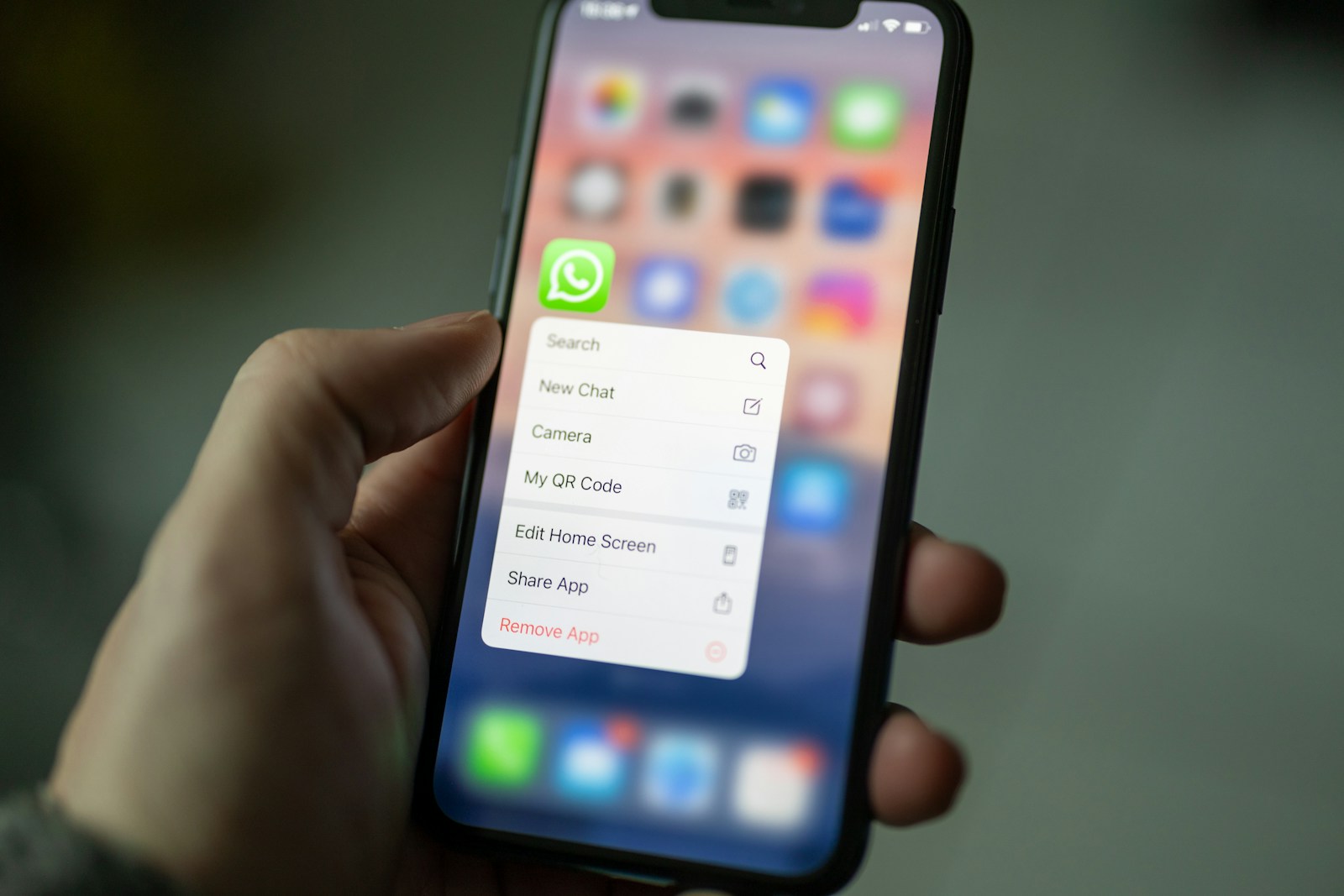
How to Know If Someone Blocked You on WhatsApp
WhatsApp is one of the most commonly used messaging apps, and it has a few telltale signs that someone may have blocked you.
1. You Can’t See Their “Last Seen” or Online Status
If the contact used to show a “last seen” or “online” status but now doesn’t, it could be a sign. However, this isn’t conclusive — they might have changed their privacy settings.
2. Profile Photo Is No Longer Visible
A missing profile picture can be another red flag. If their photo suddenly disappears and doesn’t return for days or weeks, it might mean they blocked you.
3. Messages Show Only One Tick
Normally, when you send a message on WhatsApp, you see one gray tick (sent), two gray ticks (delivered), and two blue ticks (read). If your message only shows one gray tick — and stays that way — it could mean you’ve been blocked.
4. Calls Won’t Go Through
Trying to call the person via WhatsApp and the call never connects? This is a strong indicator of being blocked.
How to Know If Someone Blocked You on iMessage
iMessage can be a bit more subtle when it comes to blocking.
1. Messages Stay Blue But Go Unanswered
When you send an iMessage, the text bubble turns blue. If your messages go unanswered and no delivery notification appears, it might mean you’ve been blocked.
2. No “Delivered” Notification
iMessage typically shows a “Delivered” status below the message. If that status disappears completely, this can be a sign you’ve been blocked.
3. Calls Go Straight to Voicemail
If your calls go straight to voicemail multiple times, you might have been blocked — though it could also mean their phone is off or in Do Not Disturb mode.
How to Know If Someone Blocked You on Instagram
Instagram offers several signs that can indicate you’ve been blocked, though they can be subtle.
1. You Can’t Find Their Profile
If the person’s username doesn’t appear in search or their profile is completely blank, this might mean they’ve blocked you.
2. You Can’t Follow Them Again
If you somehow land on their profile and see the “Follow” button but clicking it does nothing, you may have been blocked.
3. Your DMs Disappear
If your previous conversation vanishes or you can no longer message them, that could be another indicator.
How to Know If Someone Blocked You on Facebook
Facebook also has several ways to determine if you’ve been blocked.
1. You Can’t Find Their Profile or Tag Them
One of the most obvious signs is that their profile becomes invisible to you. You can’t tag them in posts, see comments they’ve made, or search their profile.
2. Previous Messages Are Still There
Messages you previously exchanged will still exist, but you may see “Facebook User” instead of their name. You won’t be able to send new messages.
3. You Can’t Add Them as a Friend
Trying to re-add them but the option isn’t there? You might have been blocked.
How to Know If Someone Blocked You via Text Message
If you’re using regular SMS or MMS, there are fewer technical clues, but a few signs can still raise suspicion.
1. Messages Appear Sent But Are Ignored
Unlike messaging apps, SMS won’t show you delivery status. If someone who used to reply quickly suddenly doesn’t — and calls go unanswered — you might have been blocked.
2. Calls Go Straight to Voicemail
As with other platforms, if all your calls go directly to voicemail, this may mean they’ve blocked your number.
How to Know If Someone Blocked You on Snapchat
Snapchat has some unique ways of revealing a potential block.
1. Chat History Disappears
If someone has blocked you, their chat thread may disappear from your inbox.
2. You Can’t Send Snaps
If you try sending a snap and it never gets delivered, you may be blocked — especially if this persists for multiple days.
3. They Don’t Appear on Your Friend List
Search for their username. If they don’t appear, and you previously were connected, it’s likely they’ve blocked or removed you.
Other General Signs to Watch For
Even outside of individual platforms, some general behaviors can indicate a block or a strong avoidance strategy.
1. Total Radio Silence
If someone completely stops communicating with you across all platforms at once, it could be more than just coincidence.
2. Mutual Friends See Their Activity
Ask a trusted friend to check if they can view the person’s social media profiles. If they can and you can’t, it’s likely a block.
3. No Response to Multiple Attempts
If you’ve reached out respectfully a few times and received nothing in return — even when you’re sure the messages were delivered — this could be another sign.
What Not to Assume
When trying to figure out how to know if someone blocked you, it’s important to avoid jumping to conclusions. Here are a few things that don’t necessarily mean you’ve been blocked:
- Privacy Settings Changes: They may have changed their “last seen” or visibility preferences.
- Device Problems: They might be having issues with their phone or app.
- Life Circumstances: Sometimes people step away from social media or messaging apps due to stress, travel, or personal situations.
What to Do If You Think You’ve Been Blocked
Knowing how to know if someone blocked you is only part of the equation. Once you suspect or confirm it, the next step is how you respond.
1. Respect Their Boundaries
If someone chose to block you, they likely had a reason. The most respectful response is to honor that boundary and move on.
2. Reflect, Don’t React
It’s natural to feel hurt or confused. Take some time to reflect on the situation without retaliating or reacting impulsively.
3. Avoid Workarounds
Trying to contact the person through alternate accounts or mutual friends usually makes the situation worse. If they want to talk, they will.
4. Focus on Yourself
Shift the focus to your well-being. Blocked or not, your value doesn’t depend on someone else’s approval or attention.
Final Thoughts
Understanding how to know if someone blocked you can help bring clarity to an uncertain situation. While each app or platform has different signs, a combination of multiple signals often paints the full picture.
What matters most is how you handle it — with self-respect, grace, and the knowledge that everyone deserves the space they need. Sometimes, not having access to someone is a blessing in disguise, giving you the chance to focus on people who are open, kind, and genuinely present.
