
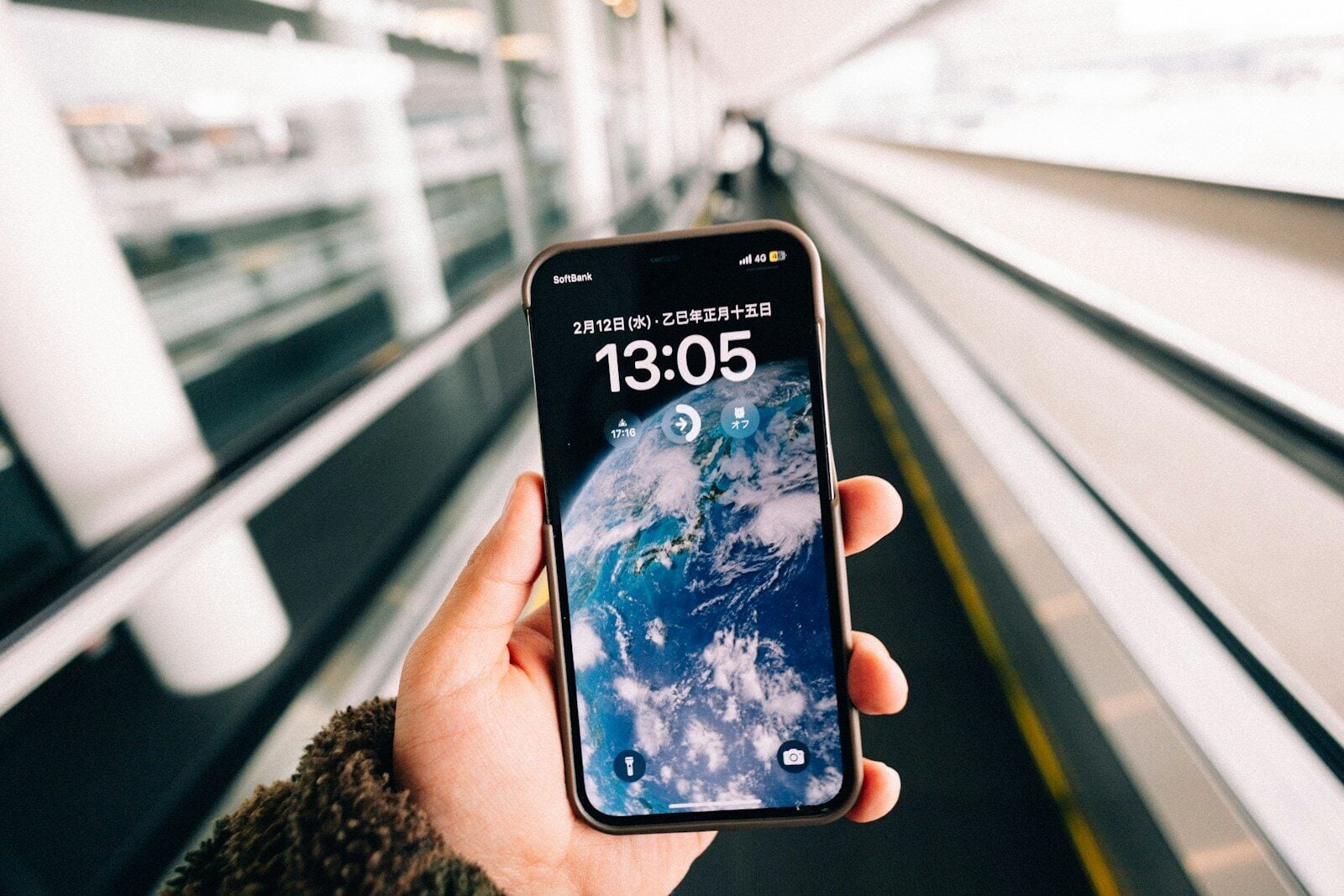
The success of your international trip depends on your iPhone. Your phone holds your boarding passes, train tickets, hotel reservations, and payment cards. Scammers and hackers know how important your smartphone is, which is why they frequently target it. Practical precautions can reduce your risk of everything from public Wi-Fi scams to phone theft.
Is Your iPhone Safe Abroad? What Travelers Need to Know
The success of your international trip depends on your iPhone. Your phone holds your boarding passes, train tickets, hotel reservations, and payment cards. Scammers and hackers know how important your smartphone is, which is why they frequently target it. Practical precautions can reduce your risk of everything from public Wi-Fi scams to phone theft.
Never Trust Public Wi-Fi
Public Wi-Fi provides easy access to the internet, but it also carries significant risks. Bad actors take advantage of public networks’ weak encryption. They often use public Wi-Fi to spy on users and intercept data where necessary. Hackers can launch man-in-the-middle, packet sniffing, and malware injection attacks through public Wi-Fi.
Cybercriminals are also known to set up fake Wi-Fi hotspots in public places. They’ll give these hotspots a name similar to the Wi-Fi they’re trying to imitate. For example, ‘Istanbul_Airport_Official_WiFi’. When you’re in a rush, you may connect to the fake Wi-Fi instead of the real one.
To safeguard yourself from risk, exercise caution when using public Wi-Fi. You should start by turning off automatic Wi-Fi joining so that you can review each network before connecting. When arriving in a new place, verify the name of the network with a member of staff.
Once you’re connected, never look at your bank account or any other app that contains sensitive information. Even if you’re connected to the correct Wi-Fi, hackers can still intercept your data. If you have to check sensitive information, you should use a VPN while on public Wi-Fi. You may ask: Is VPN safe? Virtual Private Networks are safe as they effectively shield the data you send and receive over the internet. Local hackers won’t be able to intercept your data or log your browsing activity.
Protect Your iPhone
If you’re traveling to major tourist hubs, pickpockets may target you. European cities such as Paris, Rome, and Barcelona are particularly bad for iPhone theft. However, pickpocketing can happen anywhere while abroad.
Losing the phone isn’t the worst part. If you haven’t properly secured your phone, a pickpocket can gain access to your banking, email, and social media apps. They could then steal your data or send money from your account to their own account.
Create strong passwords, enable multi-factor authentication (MFA), and activate biometric security. You should also enable Apple’s Stolen Device Protection. Should a thief guess your password, extra rules prevent them from changing your settings. Recent data suggest that 23% of iPhone users do not have Stolen Device Protection activated. When abroad, the feature could prevent pickpockets from locking you out of your Apple account.
Be Cautious of Unfamiliar Charging Stations
Like public Wi-Fi, public charging stations can be lifesavers. However, they can also expose your iPhone to data theft. Hackers compromise charging ports to carry out “juice jacking” — instead of connecting to a power source, you’re actually connecting to a hidden computer that will infect your phone.
Even safe charging stations can be risky. When you’re in a busy location, you’re leaving your phone out in the open. A thief could quickly pass by and lift your phone without you even noticing.
Have your own portable charger fully charged at all times. With a portable charger, you can top up your phone’s battery from anywhere without having to use any unfamiliar stations. If you can’t use a portable charger, never plug your phone cable directly into an open USB port. Instead, use your own charging cable and wall adapter. If a prompt appears on your screen asking you to approve permissions, reject these and remove the phone.
Foreign Networks May Not Offer the Same Privacy
You should check out the privacy laws of the country you’re traveling to before arriving. Depending on where you’re visiting, your internet traffic may be subject to different levels of monitoring, filtering, and data collection.
You may also find that your destination country blocks or restricts some of the apps you commonly use. Overall, you shouldn’t assume that the same rules in the US apply to the rest of the world.
Before you travel, research what to expect, and you’ll be better prepared for potential risks.
How to Keep Your iPhone Safe Abroad
You should never assume that your iPhone will protect itself. You need to take an active approach to smartphone security to avoid scams, hacks, and data loss. You’ll encounter a wide range of risks when traveling internationally, from fake public Wi-Fi to juice jacking. Luckily, with the help of a VPN and mobile security features, your phone will remain as safe as possible.
