
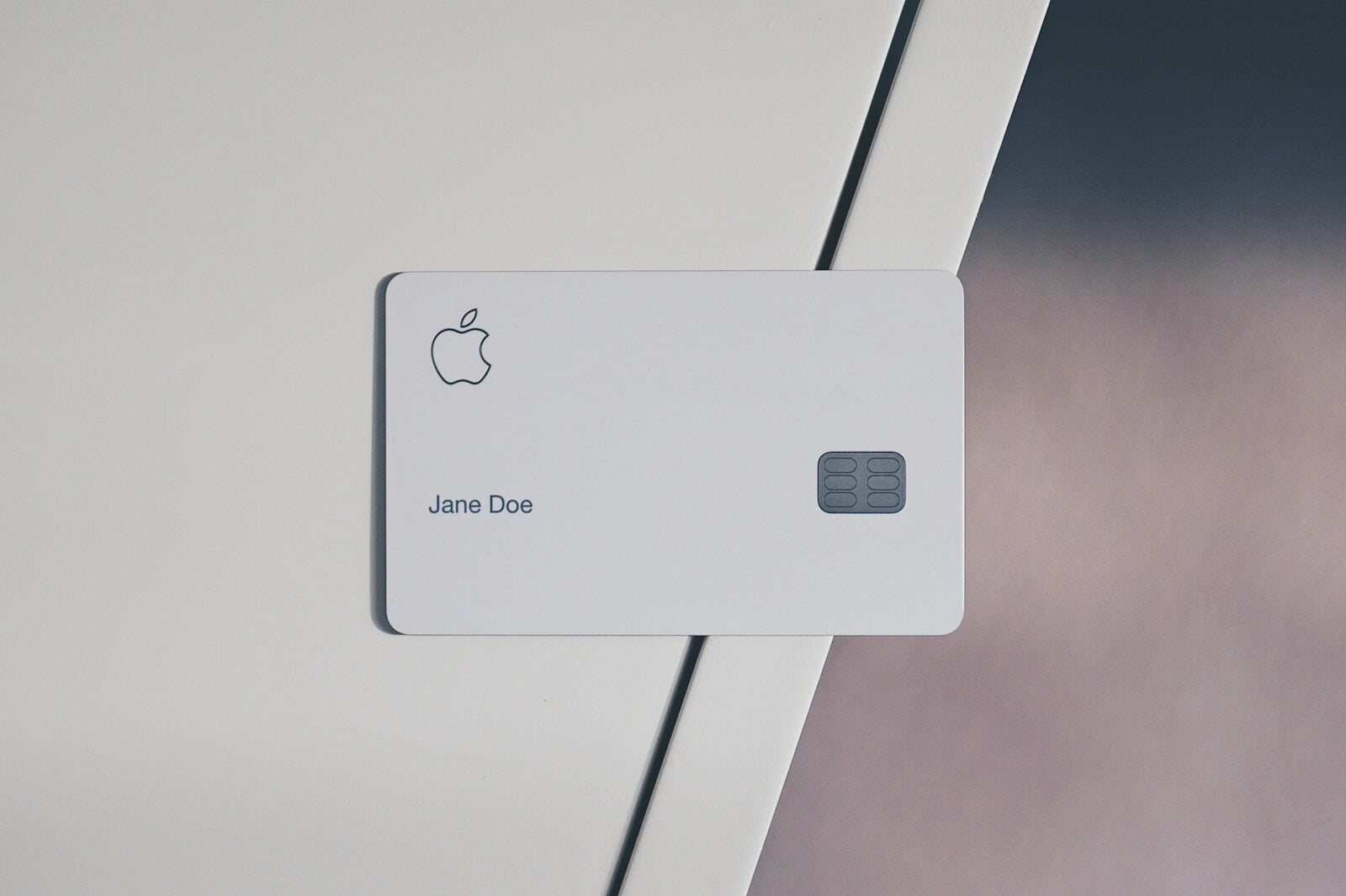
Apple gift cards show up everywhere — birthdays, holidays, workplace rewards, promotional giveaways. They are convenient for the person giving them, but the person receiving one does not always have something to spend it on. If you are holding a card with a balance you have not touched, here is how to work out what it is worth and what your options are.
Start by checking the balance
Before planning anything, confirm what is actually left. Apple gift cards can be partially redeemed, so the printed amount is not always the current balance. On an iPhone or iPad, open the App Store, tap your profile picture, then select “Redeem Gift Card or Code.” Your Apple Account balance appears at the top of that screen once a card has been applied. If you have not redeemed the card yet, the balance is whatever is printed on it, assuming it was activated at purchase.
Keep the physical card or the original email until you have confirmed the balance. If a code turns out to have been redeemed by someone else, having the receipt makes it far easier to raise the issue with Apple Support.
Redeem it to your Apple Account
Once redeemed, the balance sits in your Apple Account and applies automatically to most purchases across Apple’s services. That includes the App Store, iCloud+ storage plans, Apple Music, Apple TV+, Apple Arcade, and in-app purchases. It also covers hardware and accessories at Apple’s online store and retail locations.
One detail worth knowing: the balance is applied before your card on file is charged. So if you have an ongoing subscription, the gift card quietly covers it until the balance runs out.
Put it toward recurring costs
If you have no specific purchase in mind, subscriptions are the most practical use. iCloud+ storage is the common one, since most people eventually outgrow the default allocation. Apple Music and Apple TV+ work the same way. A card sitting in a drawer loses nothing to time, but it also does nothing for you — routing it to a bill you already pay turns it into a real saving.
Check the expiration rules
In the United States, gift cards sold by Apple do not expire and carry no dormancy fees. Rules differ by region and by card type, so if the card came from outside the US, read the terms printed on it. Promotional cards issued through giveaways sometimes carry different conditions than cards bought at retail.
If you genuinely will not use it
Not everyone is in the Apple ecosystem. If you received a card but do not own Apple hardware or use Apple services, the balance is effectively stuck.
Reselling to a marketplace is one route, though those services buy at a discount, so you end up with less than the card is worth. Another approach is a direct trade: peer-to-peer platforms let you exchange a card you will not use for one to a retailer you actually shop at. On FlipGift, for example, you can swap an Apple gift card with another member rather than selling it below value — balances are member-verified and every trade has a dispute window.
Whichever route you take, never post the card number or PIN publicly. Anyone who sees the code can redeem it, and once a balance is drained it is rarely recoverable.
A quick checklist
Confirm the remaining balance before doing anything. Redeem to your Apple Account if you plan to use it. Apply it to a subscription you already pay for. Consider trading it if you are not in the Apple ecosystem. Never share the code or PIN in public.
An unused gift card is not a lost cause. It just needs a decision.
