
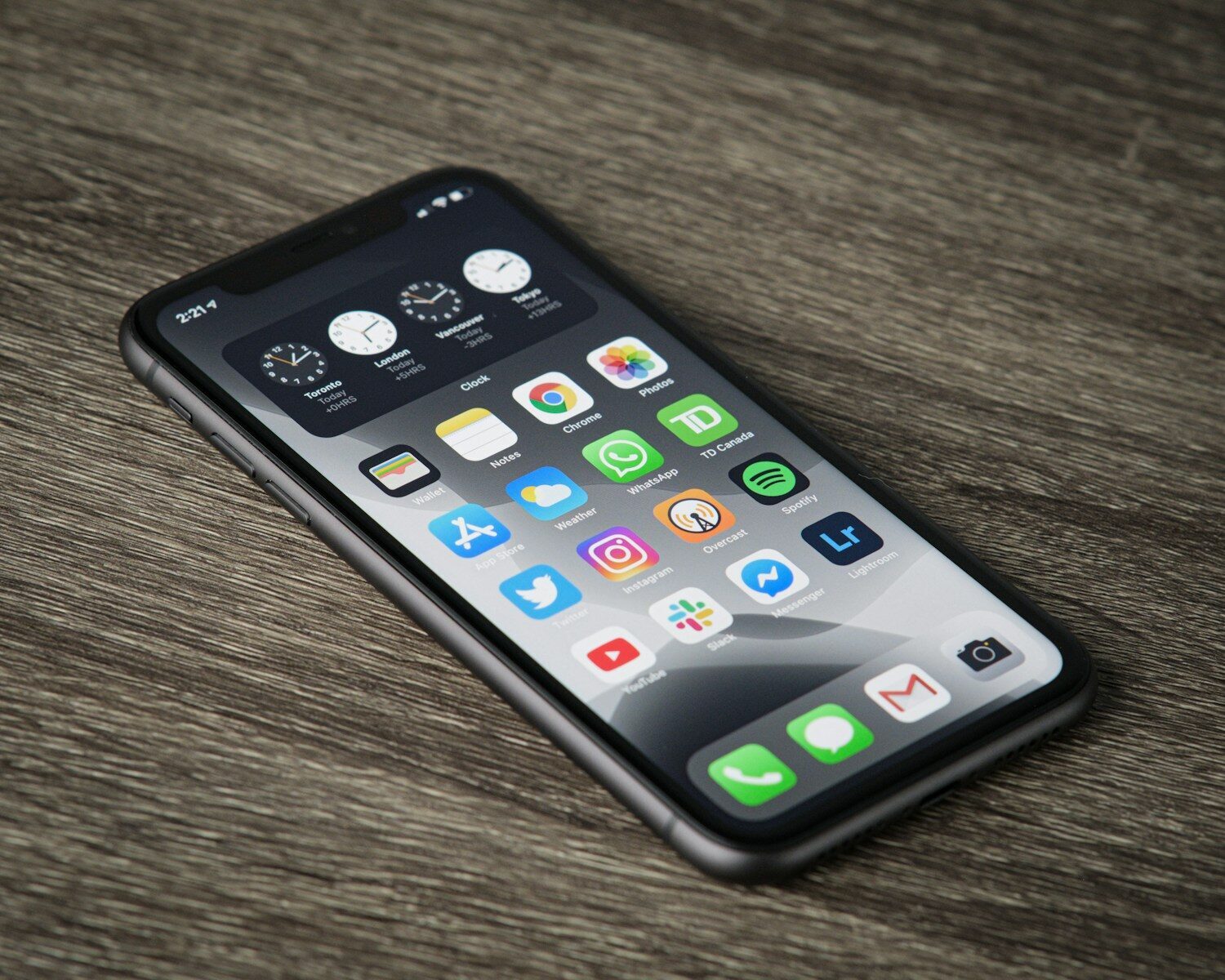
Open your favorite app on an iPhone, then open it again on an iPad, and something usually feels a little different. Maybe the layout breathes more on the bigger screen. Maybe a button sits somewhere unexpected. Now imagine that same app also has to behave on a Mac with Apple Silicon, an Apple Watch on your wrist, and – increasingly – a Vision Pro strapped to someone’s face.
That’s the quiet challenge behind every polished Apple app you love. The apps that earn five stars and stay there aren’t just well designed. They’re relentlessly tested across a surprisingly messy landscape of devices, screen sizes, and operating system versions. Here’s a look at how that actually works, and why it matters even if you never write a line of code.
The Apple ecosystem is more fragmented than it looks
Apple has a reputation for tidy, controlled hardware, and compared to the Android world, that’s fair. But “controlled” doesn’t mean simple. A developer shipping an app today has to think about:
- A wide range of iPhone models, from compact older handsets to the latest Pro Max, each with different screen dimensions, and features like the Dynamic Island that change how the interface behaves.
- iPads of several sizes, including split-screen multitasking and Stage Manager, where your app might be sharing the screen with two others.
- Macs running Apple Silicon, which can now run many iPhone and iPad apps directly.
- Apple Watch and its tiny, glanceable interface, where a layout that works on a phone is completely wrong.
- Multiple live versions of iOS, iPadOS, and macOS at once, because not everyone updates the day a new version drops.
Every one of those combinations is a place where something can look perfect in one context and break in another. A single feature might need to be verified dozens of times across dozens of configurations. Doing that by hand, informally, is how bugs slip into the App Store.
Why quality is a survival issue on the App Store
For an app maker, quality isn’t a nice-to-have. It’s tied directly to survival, and the reason is the App Store itself.
First, there’s Apple’s review process. Every update gets checked, and apps that crash or misbehave can be rejected, delaying a release by days. Second – and more brutally – there are the ratings. Scroll through the one- and two-star reviews of almost any app and you’ll notice they’re rarely about design or price. They’re about crashes, freezes, and features that simply don’t work. A wave of bad reviews after a botched update can sink an app’s ranking fast, and rankings drive downloads.
In other words, the invisible work of testing is what protects the visible thing users judge: whether the app actually works.
Automated testing gets you part of the way
Modern Apple developers lean heavily on automated testing, and Apple provides solid tools for it. Automated tests can run the same checks repeatedly across simulated devices, catching regressions – bugs that sneak back into features that used to work – quickly and cheaply.
But automation has limits. It’s excellent at verifying that a known thing still behaves as expected. It’s far less good at catching the fuzzy, human problems: an interaction that technically works but feels clumsy, a layout that’s ugly on one specific iPad size, an animation that stutters only on older hardware. Those need a human actually using the app. The best teams combine both – automated checks for coverage and speed, human exploratory testing for judgment.
The part most people never see: test management
Here’s where it gets interesting. Once you’re testing an app across dozens of device-and-OS combinations, with both automated and manual checks, you run into a coordination problem. Who tested what? On which devices? Did the fix for the iPad layout bug get re-verified after the last build? Which tests are tied to the feature that’s shipping tomorrow?
This is the discipline of test management – keeping track of every test case, its results over time, and its connection to the features being built. Small teams often start by tracking this in spreadsheets, and it works right up until it doesn’t. The moment you’re juggling multiple testers, multiple devices, and a release deadline, a spreadsheet becomes a liability: no history, no clear ownership, and no reliable answer to “are we ready to ship?”
Teams that outgrow that stage usually move to a dedicated system. If you’re curious what those look like, this rundown of dedicated test management tools compares the leading options across how they handle test cases, results, reporting, and integrations – the kind of structure that makes multi-device testing manageable rather than chaotic. The modern ones even use AI to help generate test cases, which is a real time-saver when you’re facing that matrix of Apple devices.
What this means for you as a user
Even if you’ll never ship an app, understanding this changes how you read the App Store. That app with thousands of five-star reviews and rare crash complaints? Someone built a serious testing process behind it. The one that breaks every update? Almost certainly didn’t.
It’s also a useful lens if you’re an indie developer or a small studio building for Apple’s platforms. The design and the idea get the attention, but the apps that last are the ones with an unglamorous, disciplined process for making sure they work – on every screen, every chip, and every OS version Apple throws at them.
The magic of a great Apple app isn’t just what you see. It’s everything that was tested so that what you see never breaks.
