

[Updated: December 16, 2014 – Now even more apps!]
Need some extra cash? Or how about gift cards to your favorite stores? Here’s a comparison of 15 free apps that reward you for checking in, performing simple tasks, or taking surveys.
Check-Ins
 Shopkick
 Shopkick
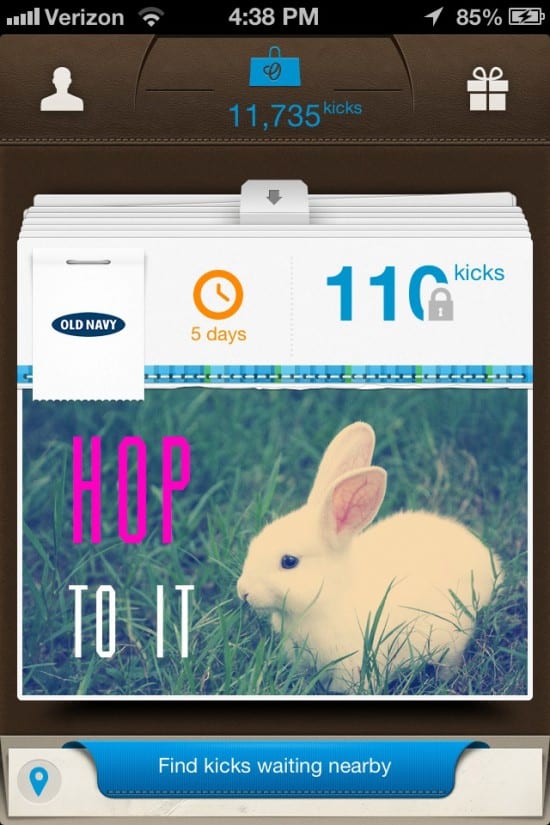
Rewards: Gift cards to a huge assortment of stores, as well as prizes like Beats headphones and even a cruise vacation. Gift card stores include Target, Nike, GameStop. Old Navy, Starbucks, iTunes, and many more. Seriously, Shopkick has the biggest and best rewards catalog you’ll find.
How to Earn: Walk in the front door of a number of stores, and scan the bar codes of specified products inside. You can also get a ton of points for referring friends to download the app. There are surprise points buried within the app daily, too.
Notes: The granddaddy of all rewards-earning apps, Shopkick is easy to use, beautifully designed, and always fun! I’m obsessed with it. It’s also something that few other e-commerce app startups can claim: profitable.
Viggle
 Viggle
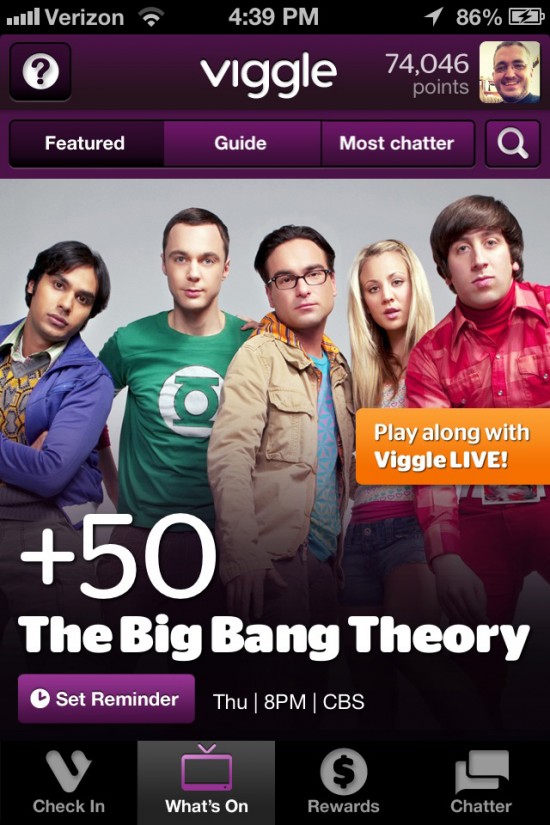
Rewards: A rotating selection of gift cards. At the time of this writing, there are cards available from McDonald’s, Spotify, Barnes & Noble, Sephora, Groupon, Redbox, Papa John’s, and many more.
How to Earn: Check in to virtually any TV show that’s on right now. Tap the check-in button and let your phone listen to your television. Viggle uses some kind of algorithm to recognize what you’re watching on TV by listening to the audio. Some promoted programs get you bonus points, and DirecTV users get you extra bonus points. There’s a kind of “second screen” experience where can play trivia games while certain shows are on to earn even more points, or earn via playing fantasy sports during live games.
Notes: Service can be a little spotty at times, particularly during major events like the Superbowl or the Oscars, and Viggle’s audio voodoo doesn’t always recognize every program on TV. (You get three tries to check in via audio; if Viggle doesn’t recognize your program after that, it lets you type in the show’s title manually to check in.) A recent server glitch caused thousands of users to miss out on points they should have earned. But it works 90% of the time, and if you have access to a TV all day long, you can rack up serious points pretty fast.
Ride
 Ride
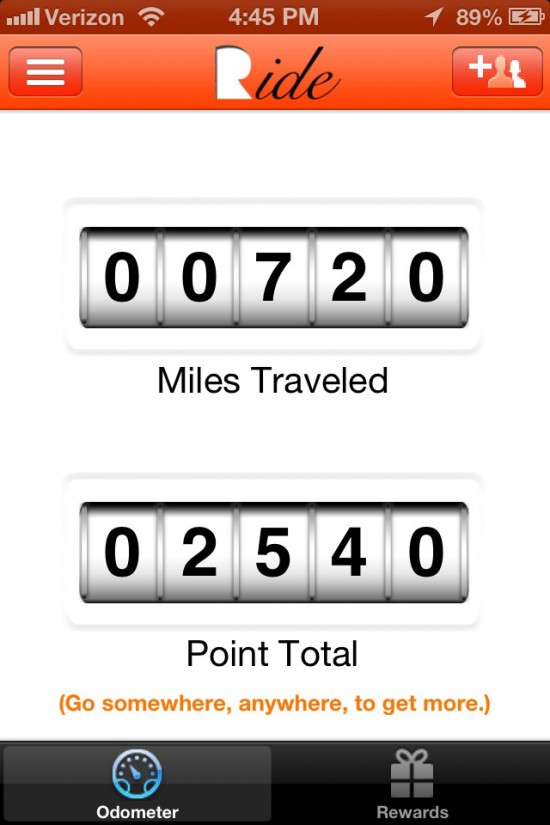
RideRewards: Redbox, Amazon, iTunes, Starbucks, Regal Cinemas, and more gift cards.
How to Earn: Go somewhere.
Notes: By far the easiest of all the rewards apps to use, because it doesn’t require you to do anything extra to check in. Just open it once on your phone and then go about your day. You can even open other apps as long as you leave this one running in the background. Ride tracks your mileage using your phone’s GPS, so whether you’re walking, driving, or flying, you get points for every mile you move. The only downside is that it takes a lot of miles to add up to decent rewards. But frequent flyers could make a killing.
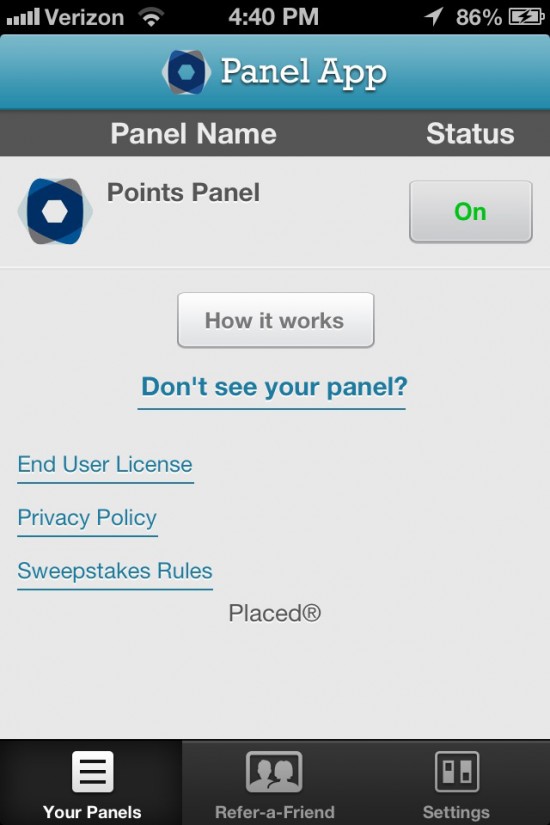
Panel
 Panel
PanelRewards: Amazon gift cards. Panel also runs sweepstakes you enter with your points, for gift cards up to $50 from Starbucks, Paypal, Google Play, Visa, and more.
How to Earn: Remember your daily/weekly schedule.
Notes: After you’ve been running Panel for a few days, you’ll start getting regular quizzes in which you’re presented with multiple choice answers about where you (and your iPhone) were at certain times on certain days. That’s right: Panel tracks the places you go, so it may not be all that great for those concerned about privacy. Panel promises not to keep your location data attached to your personal information; rather, they pool it from all users and use the compiled data to provide “insights to third parties about the population at large.” I’ve been using it for a while now, and have no complaints. It will probably best suit users with set daily schedules that rarely deviate.
Surveys
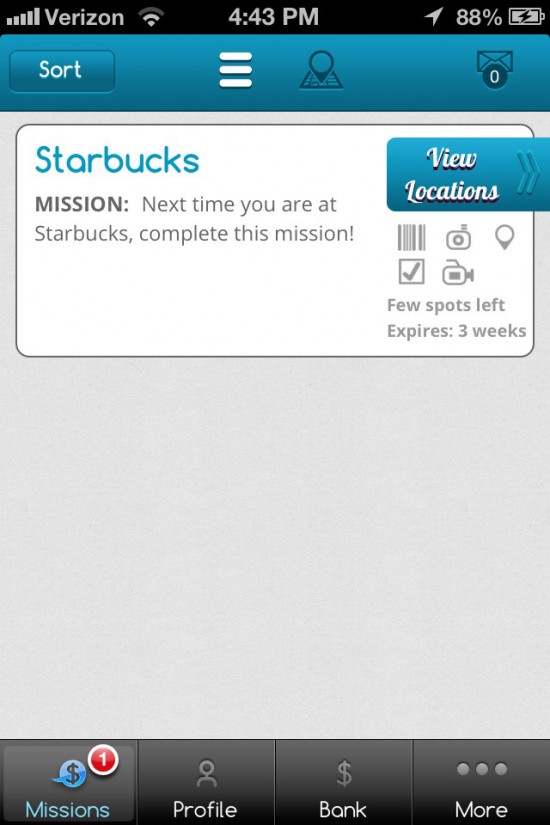
iPoll
 iPoll
iPollRewards: Cold, hard cash.
How to Earn: Participate in surveys — at specified stores and restaurants.
Notes: Probably the best of the “survey apps,” iPoll just recently received an attractive redesign. The only catch is that you have to be physically at a retail or dining location in order to take the survey. And much of the time, there are precious few surveys available to take here in the small town I call home. But those who live in major metro areas should have better luck. Most surveys offer around a quarter for your trouble, but some of the better ones will pay out up to $5.
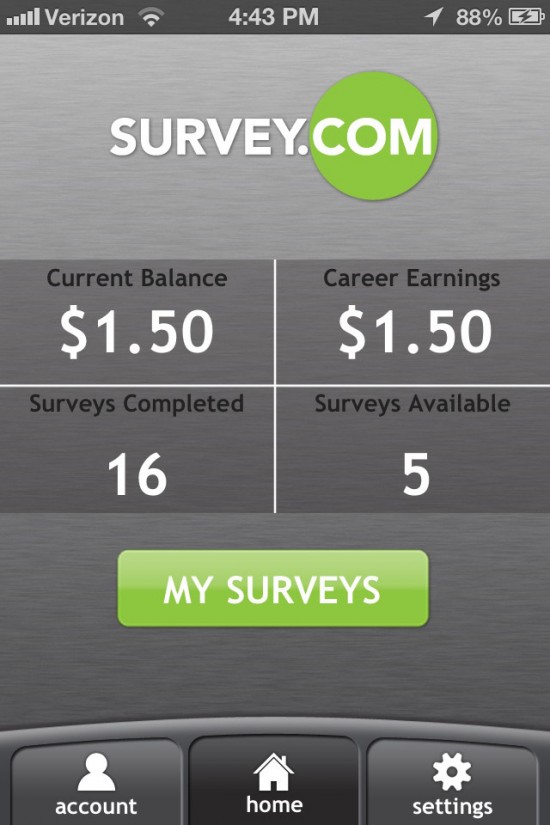
Survey.com
 Survey.com
Rewards: Cash.
How to Earn: Take surveys as they become available.
Notes: Surveys.com has more surveys available to take than any other survey app I’ve tried, and best of all, they’re not tied to specific locations. You may have to take a photo or record an audio clip for some of them. But all those surveys come at a price: they generally pay out much less per survey than other apps. Most of their surveys will pay you around $.10. It’s not the prettiest app you’ll ever see, and it has some glitches here and there.
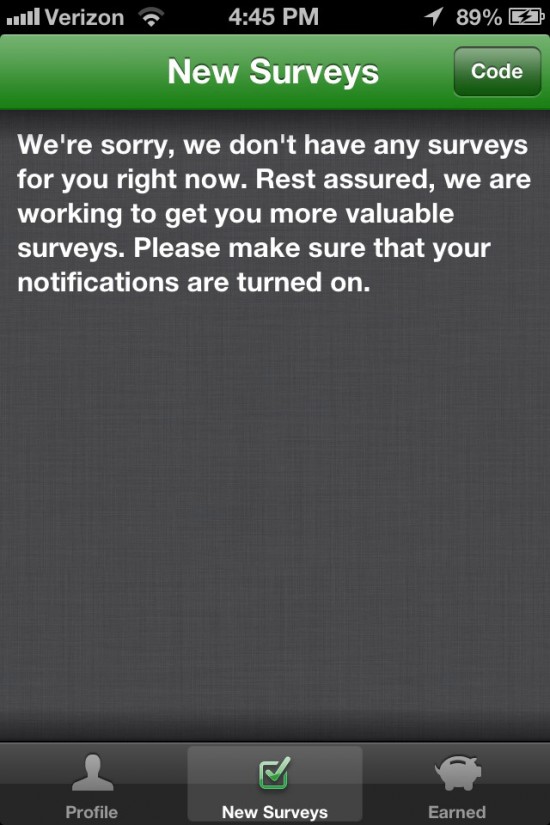
Surveys On-the-Go
 Surveys On-the-Go
Rewards: Cash.
How to Earn: Take location-specific surveys.
Notes: The screenshot above is very indicative of my experience with Surveys On-the-Go. Finding available surveys is pretty rare. On the other hand, the ones I’ve taken have paid out up to $1 each, so it’s worthwhile. Typically you have to take photos of a product or store logo to prove that you’re at the location related to the survey. Like Surveys.com, users in metro areas will probably see the most results from this one.
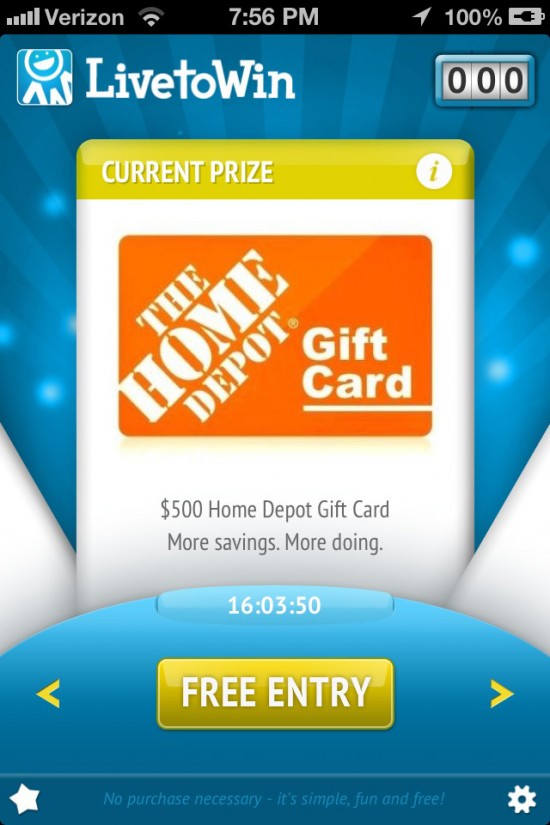
Live To Win
 Live To Win
Rewards: All sorts of killer, big-dollar prizes. There’s some crazy good stuff up for grabs here.
How to Earn: Tap a button and answer a couple of easy survey questions.
Notes: Live to Win is not your typical rewards app, but I had to include it here because it’s so cool. Instead of rewards, you’re entering into daily prize drawings. When you open the app, a dial appears that shows today’s prize, as well as several days prior and days to come. For today’s prize, you click the “Free Entry” button, and you get one entry (which appears in the three-digit counter box at the top right). You’re then given the option of earning 30 more entries by answering two simple survey questions. It’s very easy stuff, along the lines of, “Which do you prefer, Walmart, Target, or K-Mart?” All told, you can score up to 31 entries for each day’s prize (and the makers of Live to Win have promised that soon there will be more ways to enter). Each day at noon Eastern, a winner is selected for the current prize. You’ll get notifications each day when one contest ends and the next begins. Plus, the app itself is a thing of beauty, with smooth animations and perfect sound effects. It’s instantly apparent that someone really talented programmed this thing.
Tasks
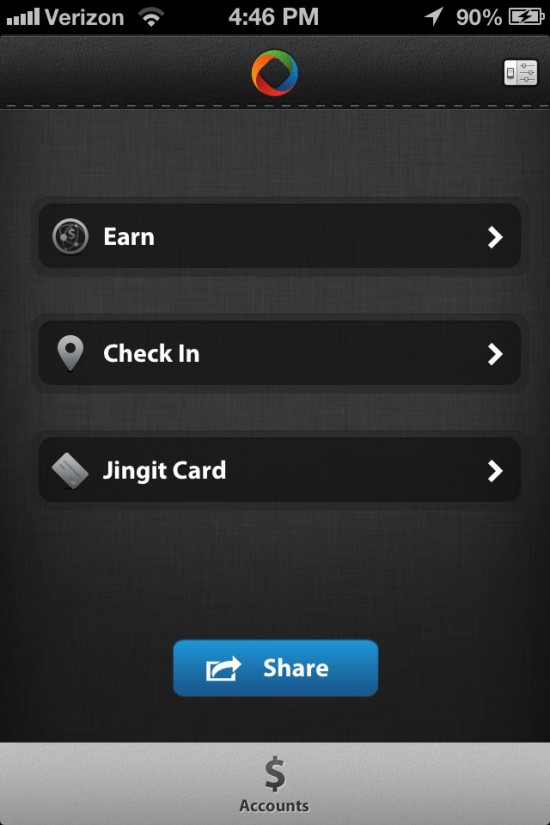
Jingit
 Jingit
Rewards: Cash, via a “Jingit Visa Debit Card.”
How to Earn: Watch daily videos and check-in-and-scan products, Shopkick style.
Notes: Jingit is kind of an odd bird. It can’t seem to decide if it wants to be a check-in app or a task-based app, so it does a little of both. The problem, at least for me, is that there’s hardly any available of either one. The videos are more plentiful, though they tend to be a lot of the same ads over and over. If you don’t mind letting them play while you do something else, it’s easy enough to plug in your phone’s power cord and play videos for a while. Incentives are typically in the $.20 range. Check-ins are usually just one or two items at one specific store in your neighborhood, and really not worth the trouble. Small annoyance: Jingit is the only app on this list that requires you to manually type in your password every single time you open the app — even if the app is already running in the background. All the others remember your password and log you in automatically. Jingit is a slick-looking and -functioning app that’s attractive and well made, but until it gets more sponsors on board, you’ll mostly be watching lots of Jell-O ads. It sets a “weekly earning limit” for each user, presumably based on your level of activity. Mine is $10, and I’ve never come remotely close.
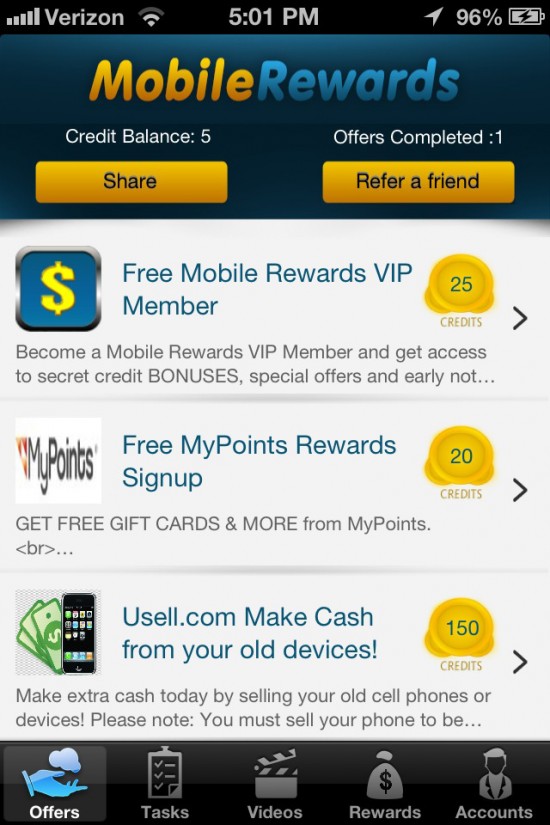
Mobile Rewards
 Mobile Rewards
Rewards: Cash via Paypal.
How to Earn: Perform tasks like singing up for various services or downloading apps. Also, there are video ads to watch.
Notes: Mobile Rewards mostly rewards you with in-app points for performing tasks, which you can eventually use to “cash out” your earnings. But most of the tasks have you signing up for “free trials” of subscription services like Hulu, Blockbuster, Sugarsync, and more, which leave you with the tedious hassle of having to unsubscribe to everything once each trial period ends. I don’t have much use for this one.
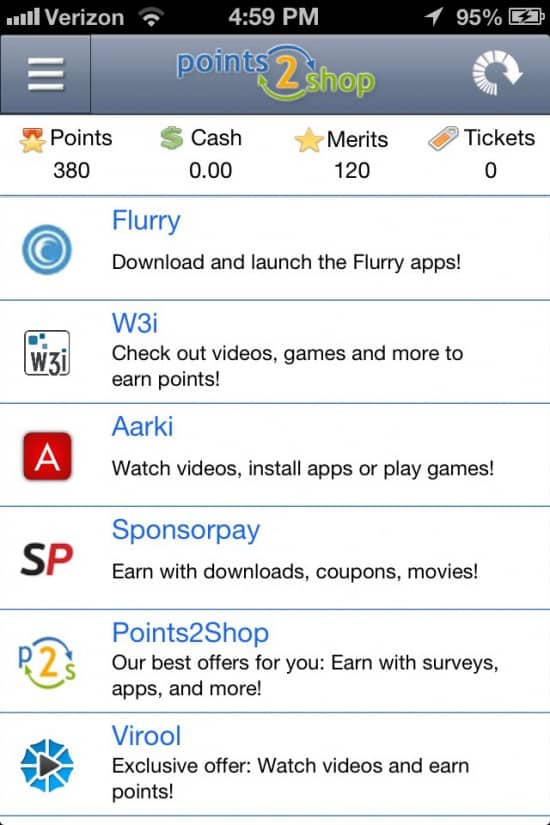
Points2Shop
Rewards: Tons of stuff.
How to Earn: Perform various tasks, including downloading apps and signing up for services.
Notes: Points2Shop is virtually identical to Mobile Rewards. The biggest difference is its extensive catalog of available prizes. There are gift cards, sure, but also loads of electronics, toys, books, clothes, movies, music, and more.
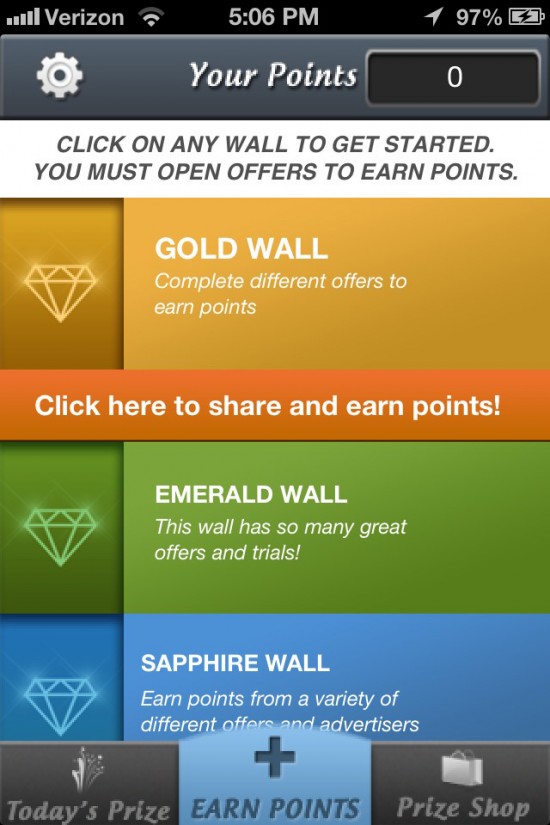
Prize Per Day
 Prize Per Day
Rewards: Gift cards, including the usual stuff as well as many you won’t find anywhere else, such as Bass Pro Shops, Build-A-Bear, Land’s End, Nutrisystem, Overstock.com, Travelocity, Zappos, and many more.
How to Earn: You guessed it — perform tasks. Aka, download apps and sign up for free trials.
Notes: Its selection of gift cards certainly sets it apart from the crowd, and it’s a very smooth-running, bug-free app. If you’re looking to earn rewards by performing tasks, this is the one I’d probably go with, because it provides the best overall experience.
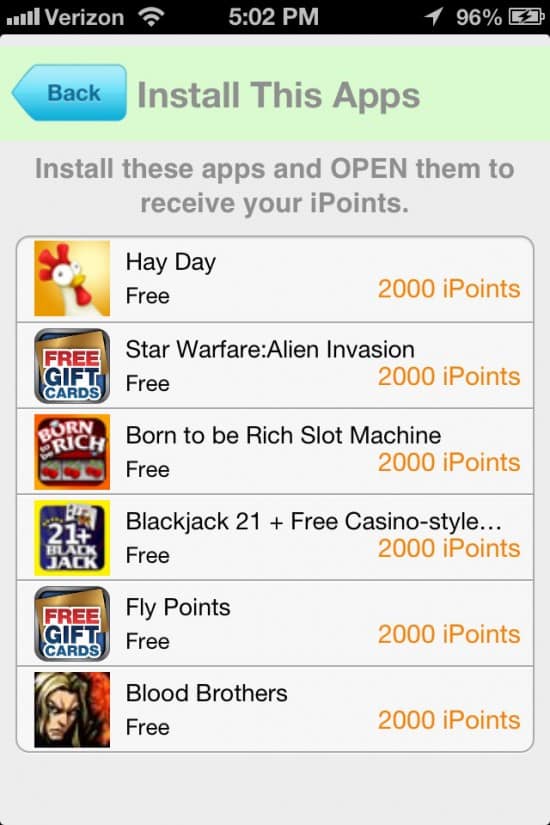
Real Points
 Real Points
Rewards: Gift cards and apps.
How to Earn: See last three entries.
Notes: The same basic idea as the last two apps, but this one seems to give out more points per task. So it feels like you’re earning more, faster. But by the same token, rewards cost more points. They offer gift cards in the standard amounts, but also go down to ridiculously small increments like $.25 at Amazon or Paypal (for 5,000 points).
Super Gift Card Reward Plus
 Super Gift Card Reward Plus
Rewards: iTunes and Amazon gift cards.
How to Earn: Download and install apps.
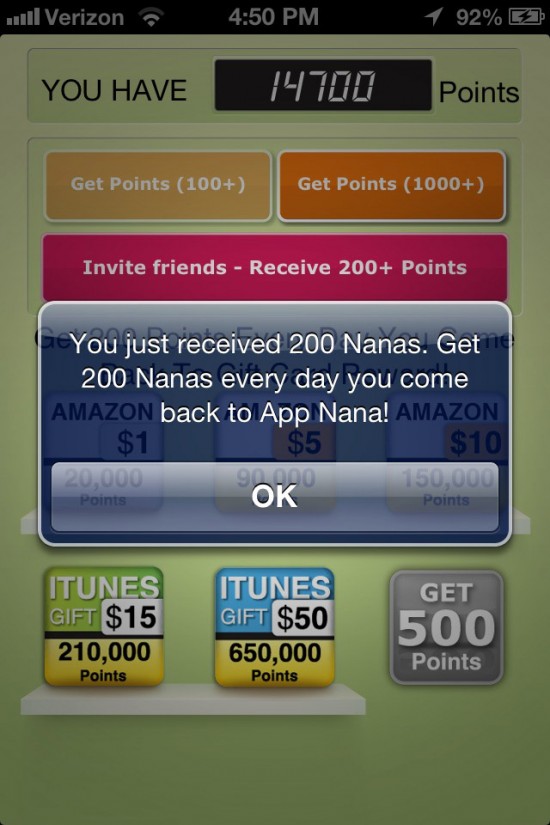
Notes: This one keeps things simple, by offering just five rewards (all various gift card amounts) and five apps to download each day (each one giving you 1,500 points). It’s also the only one that rewards you with 200 free points every day just for opening the app. If you’re easily overwhelmed, this one’s slimmed-down package might be just the ticket. (And hey, if you do snag this one, use my invitation code to get an extra 200 points: 876337414.)
Zoozz
 Zoozz
ZoozzRewards: Cash.
How to Earn: Performing real-world tasks.
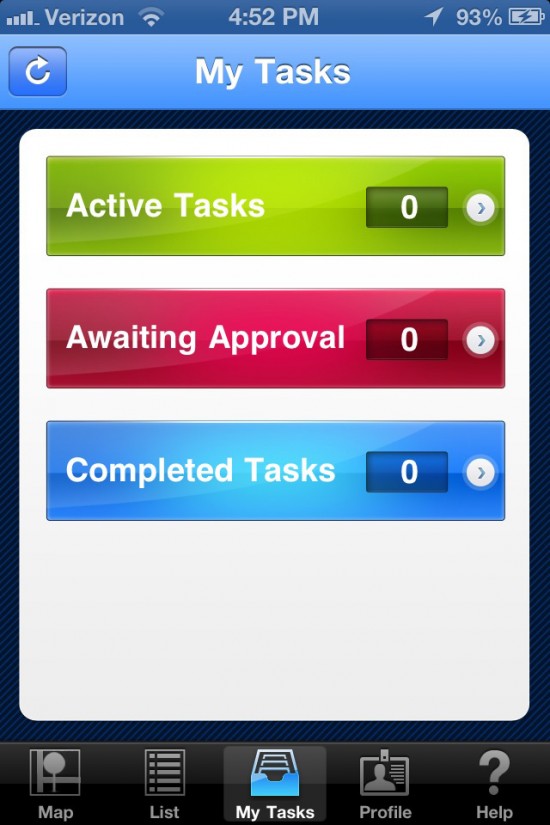
Notes: On the surface, Zoozz sounds like a great idea. Businesses and individuals need specific tasks done all the time. Photographic proof that a store has been damaged by a storm. Ensure that public utilities and transportation are functioning normally. Secret shoppers to check up on employee behavior. For going to specified locations and performing tasks like these, Zoozz is supposed to pay you pretty darn well (usually between $5 and $15 a pop). The trouble is, there’s never any tasks available. I’ve had this app for at least two months now and checked it frequently; not once has there been a single task listed. Maybe there are tasks available in metros. But reading through user reviews in the App Store, it sounds like it’s not just me. I wish it worked as advertised, but until it expands its listings, don’t bother.
New Additions to the List (12/16/2014)
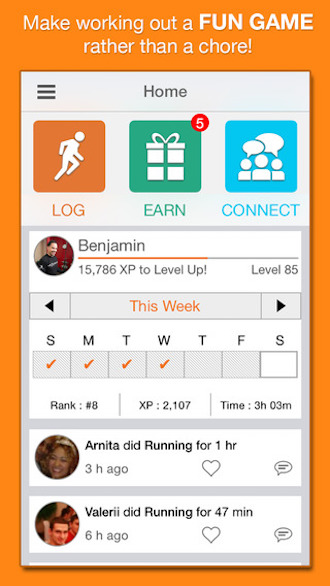
Challenges
Rewards: Gift cards, coupons, nutritional supplements
How to Earn: Exercising and working out on a regular basis. The more you workout, the more you earn.
Notes: Originally called Nexercise, this app went with a name change when the developers behind the software adopted the name for their company. This app challenges users to get fit and exercise, and rewards them with real-world incentives as they workout. As they run, swim, cycle, do yoga, or a host of other activities, they’ll earn points that are then utilized in an in-app lottery system in which items are given away. The more points a user has, the better their chances at winning a prize.

ThriveTracker
Rewards: Gift cards, free product samples, downloadable mp3’s
How to Earn: Meditation, Exercise, Quality Sleep, Therapy, and Journaling
Notes: Designed to help those who suffer from depression and bipolar disorder, this app rewards users for tracking their mood throughout the day, and taking positive steps to avoid complications. It encourages exercise and therapy, and gives users the ability to journal about their successes and struggles. Adding game-like elements allows the user to earn real-world rewards for their efforts.

MyVegas Blackjack
Rewards: Hotel rooms, travel packages, meals, shows, and more
How to Earn: Play blackjack within the app to win real world rewards. Bonus points are earned for bold play, completing challenges, and earning collectables.
Notes: A free casino app that offers a branded-experience that features tables from some of the most popular places in Vegas, including the Bellagio, Circus Circus, MGM Grands, and more. This addictive app is fun to play, and will keep you coming back for more, possibly to earn some nice real-world prizes.
HERE’S MORE: 10 Best Apple Apps To Make Money

33 thoughts on “15 Fun Apps for Earning Real-World Rewards”
We’re is Checkpoints on this list!? I’ve tried most of these app and Checkpoints easily pays out the most, I’ve already earned a $25 gift card.
Hi Justin,
I tried out Checkpoints and wasn’t impressed by it. I found its design sloppy and kind of confusing. I’m glad you’ve had good results with Checkpoints, but my best results come from Viggle and Shopkick. I’ve earned about a dozen gift cards of varying amounts through those two.
what about swagbucks?????? I love swagbucks and checkpoints! I just found a new one for me called receipt pal
What about app joy
Feature points came out to be really good because I can stay home and download while making some fast cash straight to paypal.
I have made at least $100 easily through feature points just sitting on my couch
its easy.. just downloaded the app and let it run for 2 mins or through the tutorial and just delete it after your points go through! They add up really quick and you get paid directly through paypal.
It works for BOTH apple and android phones
What about quickthoughts powered by Opnion post?
I only just got the app two weeks ago and earned $10 iTunes gift card.
Checkpoints I do not have such luck on pints don’t add up fast enough for me and I get bored easily with downloading and trying out apps(plus watching videos and trailers). I rather do surveys.
Hey, Quick thoughts is very fast and it’s one of my favorite reward apps, it’s the fastest I know of. In a few days you can earn $20 in giftcards.. It’s impressive..
Try appbrats.com because they actually pay you through paypal. All you have to do is download apps and the apps are all free.
Best app is “App Trailers”. But only if you use this code as your first..”YESFREEMONEYNOW”
$25. MOBILE GIFT CARD same day cash out.
I get $25 to use that code?
Where do I add the code?
Featurepoints is also a good app to use and it doesn’t take that much effort to earn money.
When you sign up if you use the code XVQHGG you get 50 bonus points!
Can’t find “Live To Win”…lots of bad reviews about new version of “ShopKick”, update is causing a lot of glitches and slow earnings…’iPoll” has about 40% 1-star user rating, mostly stating that it takes months for payout.
Anyone have updated list or suggestions?
Shop kick is only slow if you have a older phone
Free my apps is better than any of this crap
I have the Live To Win app. Entering the daily drawing is easy, but afterwards they have this wheel you can spin, and I can’t figure out what the point of that is. It gives you points that seem to accumulate, but you can easily lose them by spinning. I have 11,000 and have no idea what to do with it. There is no explanation on the app about the wheel and what it’s for. Anyone know?
Featurepoints is a good one use the code E17JEZ
Also tapbooty use code QUZmLRC
You just try out apps on both I like feature points better but both are great I’ve made over $100 already. There is also ibotta where they give you cashback for things you buy daily anyways. code ZPqTbA
🙂
Featurepoint use code gandus
Feature points is the best use VFCDPP when you sign up you get 200 free points like I did !!! Use VFCDPP for a referred friend ^_^
I think Featurepoints is a pretty good app its easy to use.
When you sign up if you use this code DADTA5 you will automatically get 50 points 🙂
App joy is another great app! Go to appnana.com on your iOS Safari and input my invitation code e3055234 for a free 2,500 points! Much appreciated
Hello,
My name is Michael Roche I am the CEO/Owner of Flashpoint media LLC maker of the popular Instant Rewards iPhone App. I am writing you today because I came across an article you wrote about “apps that pay you” while you have many great apps in this list ours is not part of it. Our App Instant Rewards was recently featured in seventeen magazine and on several other media outlets. We have over 50,000 users and 4.5/5.0 rating in a side by side comparison of some of our competitors such as: Jingit, Checkpoints, Appjoy, Gigwalk or adfun we beat them in all categories. We Offer users Videos to watch, Surveys to take, Apps to download and recently partnered with Kiip to offer “real Life” rewards to users. We also pay more and offer both paypal and Amazon giftcards as a cashout method, and unlike all of our competitors we are open worldwide not just limited to the USA. In conclusion I believe your readers deserve to be informed about the best apps around and quite frankly one of the best apps (ours) is not included in this list. Don’t take my word checkout the reviews yourself we are better than most if not all rewards apps available today!
The Link to our app is: https://itunes.apple.com/us/app/instant-rewards-earn-cash/id704964930?mt=8
Thanks
Michael R Roche- CEO/Owner Flashpoint Media LLC
I tried the link to your app. It’s only available at the US Store. -_-
I love featurepoints. You only need to download some free apps and try them for a while. You can just delete it afterward.
Try it out! You’ll earn 50 points easily if you use this code: 7HYGTT
Thanks,
Sandy
Viggle is a great app I love it so much but ever since they made an update the app no longer works properly. I hope Viggle gets this fixed.
You also forgot prizewheel. I won a ps4 from that app. It’s real
You can also try superpoints. You can earn points by pressing a button daily. You can also do tasks and surveys and redeem for giftcards. There’s an invite code as my website!
I’ll add GameIt to the list. GameIt let’s you win prizes through quizzes, games and competitive trivia contests with just a tap. More info about the app: https://www.tapscape.com/game-iphone-app/
There are a lot of better apps right now…. try Crazylex (is only for iOS), you can win prizes like ps4, ipad mini, amazon gift cards, itunes gift cards, gamestop gift cards, and many many other sfuffs… try it for free… i’ts much better…
Pretty good.
I use this app called GiftBay available in the App Store of iOS. You can redeem Amazon gift cards for trying new apps. Minimum reward is $2, which is only 1200 coins. You get 200 when you input this invite code: 89a770f
I redeemed my gift card after two days and received it in 8 hours.
Why isn’t there “QuestionCrush”? It is a free survey app that pays 12 coins to $2 of Amazon gift cards. I have had a very good experience, and it is now part of my morning routine.
Pros:
Easy
Opinionated
simple
fast
Cons:
Only pays out in amazon gift cards
You HAVE to make an account
it takes at least 3 days for the cash to get to you
You’ve allowed gotta go get the App called VeryDice, all u do is roll dice to try to get doubles, but it doesn’t matter what u roll cuz you still get credit for every roll. Their gifts and/or gifts cards are superior to anything other app I’ve tried!! I’ve been playing for 6 months and I’ve already cashed in and received an air mattress (queen size) w/ pump, a Polaroid Drone for my son, camping lights, a nice leather shoulder bag, a Roku Express, and 2×Amazon $10 gift cards. Shipping is super fast and always free, I’ve literally gotten my prize within 2 days of redeeming it! I promise you, this app is a TOTAL GAME CHANGER!!! I’ll help each of your to get started, if you use this code: 2450840
You’ll each receive 30 free rolls to get u started, then you can either do surveys, watching videos, download apps, do other online tasks, or buy more rolls for cheap (30 rolls for $0.99). Please, give it a shot and let me know what you think!! This app is literally going to help me with like half of my gifts!!!
I have so many more apps that pay than this list. Just 1 app alone I use has made me over $4,000 paid to my PayPal. Many apps listed on here are not in the Google play store.