
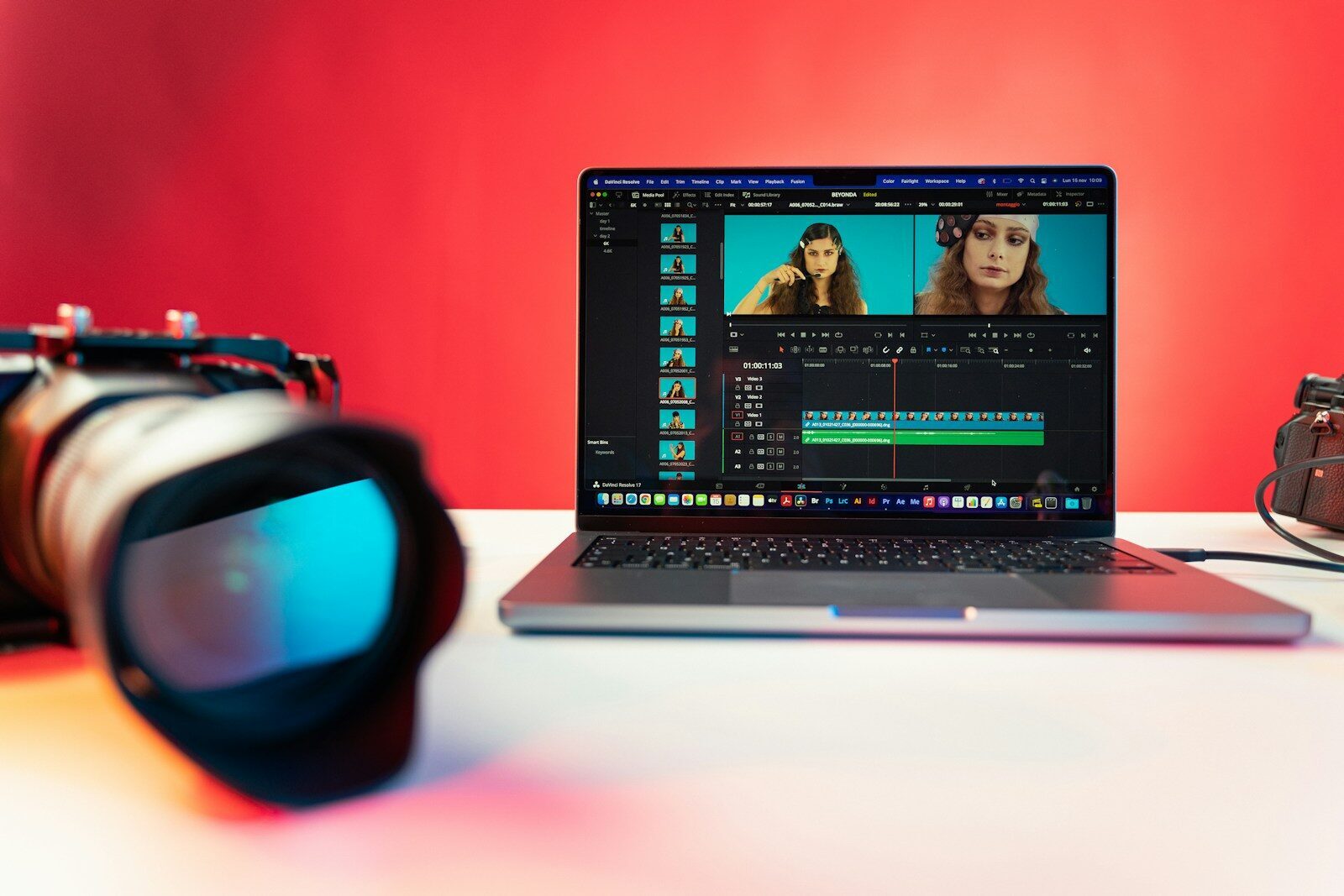
There’s a moment every solo creator on a Mac knows too well. You’re deep in a Final Cut timeline at 11pm, the main footage is cut, the voiceover is in, and the whole thing almost works — except there’s a fifteen-second hole where the video needs to show something you never filmed. The product from another angle. The city street you mentioned. The kitchen scene that would have taken a whole Saturday to shoot.
The traditional options were all bad. Stock footage sites, where everything looks like it was shot in a parallel universe where nobody has ever frowned. Reshooting, which means dragging the lights back out. Or just papering over the gap with another zoom-in on a photo and hoping nobody notices. (Everybody notices.)
Over the past year, a fourth option has quietly gotten good enough to talk about: generating the missing shot. And a round of model updates this summer — clips that now run up to 30 seconds, with sound — has pushed AI video from “fun to play with” to something that can actually slot into a working Mac editing setup. Here’s what changed, and how creators in the Apple ecosystem are actually using it.
The Heavy Lifting Doesn’t Happen on Your Mac (And That’s the Point)
First, a note on hardware, because this is the part Mac users tend to ask about. Local AI has been Apple’s big story lately — Apple Intelligence runs on-device, and Apple Silicon chews through local image models better than anyone expected. So it’s natural to assume video generation is another workload to throw at your M-series chip.
It isn’t, at least not yet. Serious video generation runs on data-center hardware, and every major tool delivers it the same way: through a browser tab. Which turns out to be quietly great news for Apple users, because it means the machine you already own is enough. The base MacBook Air that struggles with a 4K multicam edit handles AI generation exactly as well as a Mac Studio does — the render is happening somewhere in a server farm, and Safari just has to display the result. Your Mac’s job is the part it’s already good at: the actual editing, once the clip lands in your Downloads folder.
For creators who talked themselves into a maxed-out machine “for the AI stuff,” this is either a relief or mildly annoying, depending on when you bought it.
The 30-Second Threshold, and Why It Matters More Than Resolution
For a long time the practical problem with AI video wasn’t quality — recent models look startlingly good in isolation — it was that clips came in four-to-ten second fragments, silent, with characters who subtly changed faces between generations. Fine for a meme. Useless for a cutaway that has to match its surroundings.
The current generation of models has been attacking exactly those limits. The most aggressive example is Wan 3.0, which came out of Alibaba’s lab and entered public beta in August: it generates single shots up to 30 seconds long, with speech and ambient sound produced natively alongside the picture rather than dubbed on afterward. More useful for editing purposes, it accepts reference material — you can feed it product photos, a frame from your own iPhone footage, even an audio file — so the generated shot actually matches the video it’s landing in. There’s a full rundown of the input options on the Wan 3.0 video, including output at everything from 480p proxies up to 1080p, in whatever aspect ratio your edit needs.
Google’s Veo and OpenAI’s Sora are playing in the same territory, and honestly, for pure visual polish they’re all within shouting distance of each other now. The differences that matter for a working editor are the unglamorous ones: how long a shot can run before it wobbles, whether the audio arrives attached, and how much of your own reference material you can push into the prompt. Thirty seconds with sound is the spec that turns a toy into a b-roll machine, because thirty seconds is longer than almost any cutaway you’d actually use.
Where It Fits in an Apple-Centric Workflow
The creators getting real value out of this aren’t generating whole videos — they’re generating the connective tissue around footage they shot themselves. A few patterns that have emerged:
The cutaway gap. You’re editing an iPhone-shot review or vlog and need a establishing shot you don’t have. Generate it at 1080p, match it roughly to your footage with a reference frame, then finish the match in Final Cut with the color board. Generated clips take color correction surprisingly well — treat them like footage from a second camera with different picture profile.
Vertical variants. The same model that makes your 16:9 cutaway will make a 9:16 version for Reels and Shorts, which beats the usual crime of center-cropping your horizontal edit and losing half the frame.
Product shots without a product studio. Small sellers are feeding in product photos and getting back lifestyle motion shots — the mug steaming on a counter, the bag on a shoulder — that used to require either a shoot or a very good After Effects habit. The generated clips compliment real photography rather than replacing it; the hero shots should still be real.
Temp everything. Even when the final video will be fully filmed, a generated temp shot in the timeline beats a slug. Clients and collaborators react to something instead of nothing, and you find out the pacing is wrong before the shoot day, not after.
The mechanics are pleasantly boring: generate in the browser, download, drop into the timeline like any other clip. No plugins, no new app to learn, nothing to install. Most of these services run on credits, with free tiers generous enough to find out whether the tool fits your work before any money changes hands — which is the right order of operations for any subscription-weary creator in 2026.
The Fine Print Worth Reading
A few honest cautions before you rebuild your workflow around this.
Platform disclosure rules are real now. YouTube requires creators to flag realistic AI-generated content, and other platforms are heading the same way. For b-roll of a steaming coffee mug nobody is going to mind; for anything involving realistic people or events, label it and don’t be weird about it.
Quality still has a ceiling. On a phone screen, good generated clips pass everyday. On a 27-inch display, or held next to genuinely well-shot footage, you can usually spot the too-smooth motion and the suspiciously perfect lighting. Use generated shots as seasoning, not the meal.
And the pace of change cuts both ways. The model that’s ahead this month may not be ahead in October — Wan 3.0’s public beta arrived barely two weeks ago, and the response from the other labs won’t take long. Building your skills around this workflow is a safe investment. Building your loyalty around any single tool probably isn’t.
The Bottom Line
Apple built its creator ecosystem on a promise: the camera in your pocket and the laptop in your bag are a complete production studio. For years there was an asterisk on that promise — a complete studio except for all the footage you couldn’t practically shoot. Cloud AI video generation, now that clips are long enough and finally arrive with sound, is starting to erase the asterisk. It won’t shoot your A-roll, and it shouldn’t. But the next time there’s a fifteen-second hole in your timeline at 11pm, it’s worth remembering that the missing shot is now a browser tab away — no new hardware required, whichever Mac you’re on.
