
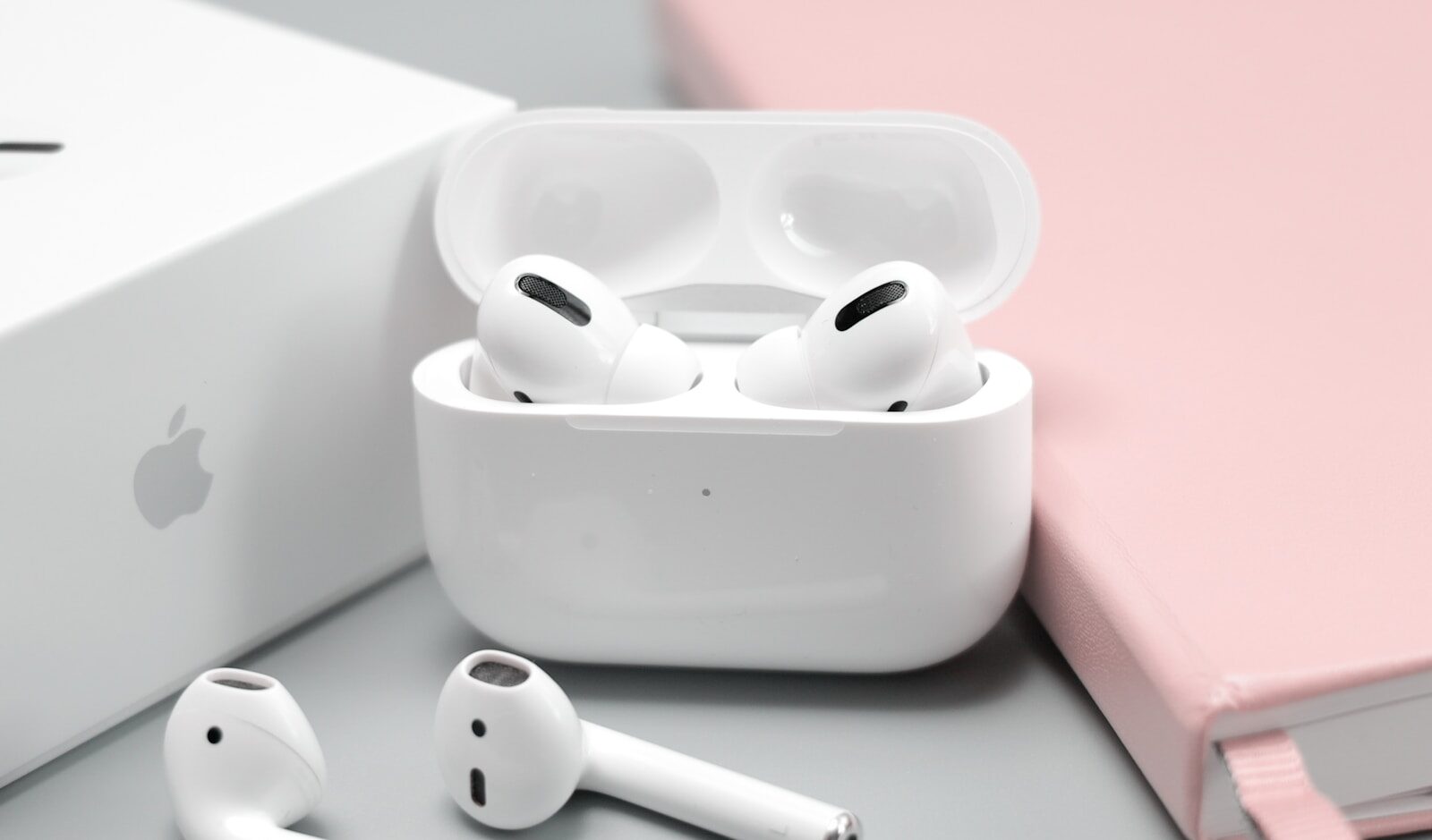
The need to replace your AirPods can arise for various reasons, ranging from battery degradation to wear and tear. Understanding when and how to replace them is crucial for maintaining optimum performance and maximizing your investment in these popular wireless earbuds. This comprehensive guide will walk you through recognizing the signs that indicate it’s time for a replacement, how to choose the right option, the step-by-step replacement process, and tips for maintaining your new AirPods.
At a Glance
- Understand when to replace your AirPods.
- Choose the best replacement option for your needs.
- Follow a detailed step-by-step replacement process.
- Maintain your AirPods to extend their lifespan.
Understanding When to Replace Your AirPods
Recognizing the right time to replace your AirPods is crucial to avoid diminished performance. The most common reason for replacement is battery degradation. Over time, the lithium-ion batteries in AirPods lose their ability to hold a charge, resulting in significantly reduced listening and talk time. If you find yourself frequently recharging your AirPods, it may be a sign that the batteries are nearing the end of their lifecycle.
Another indicator is physical damage or wear. While AirPods are designed to withstand everyday use, they are not immune to accidents. Dropping them or exposure to moisture can lead to irreversible damage. If your AirPods have visible cracks or if sound quality has deteriorated, it may be time to consider getting a replacement.
Lastly, consider software compatibility. With each new iteration of AirPods, Apple introduces features that may not be supported by older models. If your AirPods are no longer compatible with your devices or apps, upgrading to a newer model can enhance your audio experience. For more on integrating AirPods with various devices, see our detailed article on connecting AirPods.
Choosing the Right Replacement Option
When choosing a replacement, it’s important to consider the various options available. If you’re within the warranty period, your first step should be checking whether the damage or battery issue is covered by Apple’s warranty or AppleCare+. This can save you considerable costs, as replacements or repairs might be offered at no charge.
For those out of warranty, purchasing a new pair might be the most straightforward solution. Consider whether you want to upgrade to the latest model or stick with a replacement that offers similar features to your current AirPods. Each generation of AirPods comes with different features, such as improved noise cancellation or spatial audio. Assess your needs and budget before making a decision.
Alternatively, consider third-party repair services. Some companies specialize in AirPods repairs and can replace batteries or fix minor damages at a lower cost than purchasing new ones. However, be cautious and ensure that these services are reputable. For additional insights into choosing between repair services or purchasing new ones, check out our analysis on cost-effective AirPods solutions.
Step-by-Step AirPods Replacement Process
If you’ve decided to replace your AirPods, the process is straightforward. Start by backing up any data, like custom settings, to ensure a seamless transition. Next, make an appointment with an Apple Store or authorized service provider to discuss your replacement options and confirm any warranty coverage.
Once you have your new AirPods, unbox them carefully. Follow the pairing instructions provided by Apple to connect them with your device. Ensure that your device’s software is up-to-date to take full advantage of the features offered by your new AirPods.
Finally, customize your settings to your preference. Access the Bluetooth settings on your device to rename your AirPods, adjust the noise control settings, and tailor the tap or press functions to suit your usage. For a detailed setup guide, refer to our comprehensive AirPods configuration tutorial.
Tips for Maintaining Your New AirPods
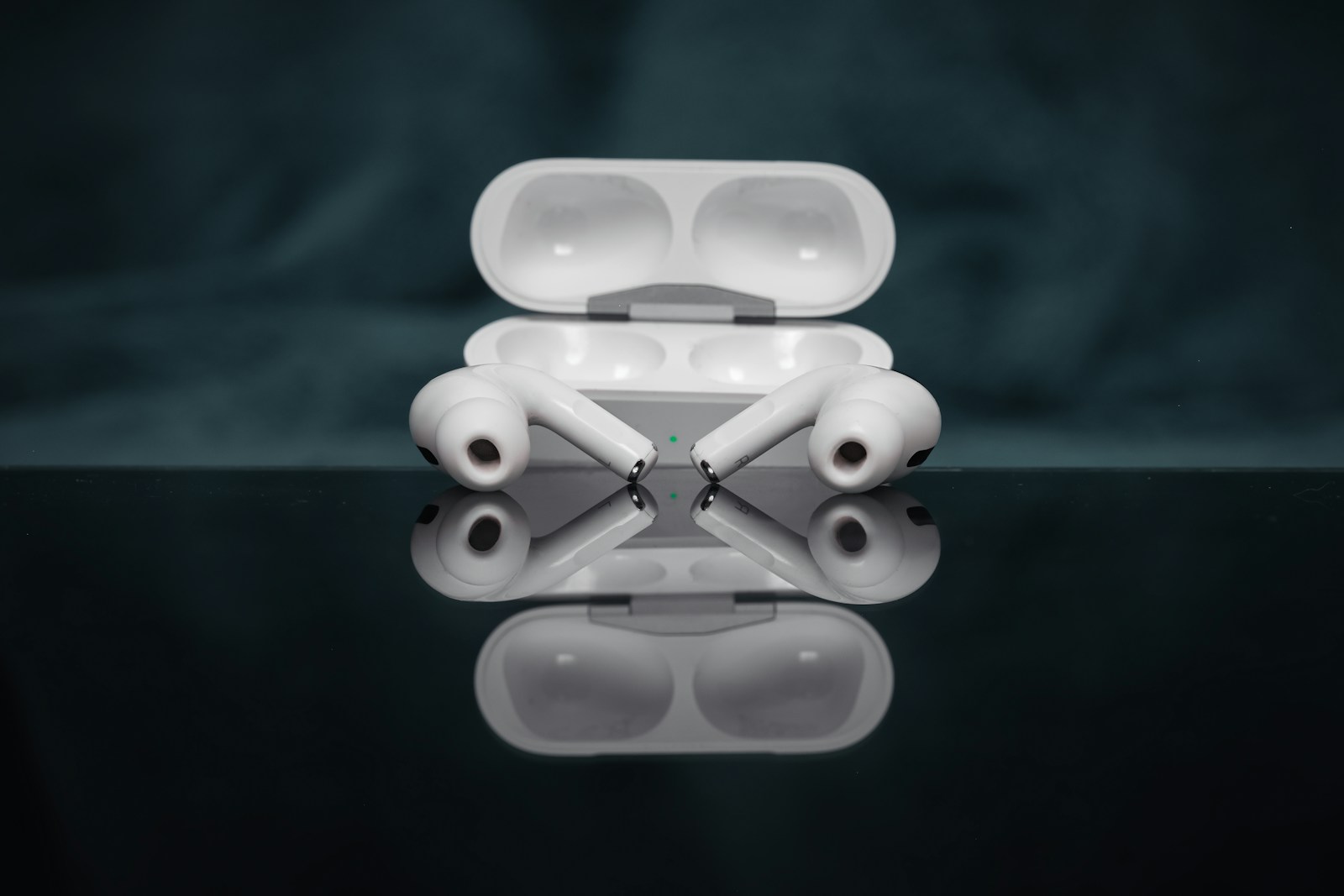
Now that you have your new AirPods, proper maintenance is key to ensuring their longevity. Start by keeping them clean. Use a soft, lint-free cloth to wipe down the exterior and a dry cotton swab to clean the speaker mesh. Avoid using liquids or sharp objects that could damage the electronics or build.
Additionally, ensure that your AirPods are stored in their charging case when not in use. This not only protects them from physical damage but also conserves battery life. Avoid exposing your AirPods to extreme temperatures or moisture, as this can degrade the battery and compromise functionality.
Finally, regular software updates are crucial for maintaining optimal performance. These updates often include bug fixes and enhancements that can prolong the life of your AirPods. Enable automatic updates on your device to ensure you’re always using the latest software version. For more maintenance tips, explore our expert advice on prolonging wireless earbud lifespan.
Replacing your AirPods doesn’t have to be a daunting task. By understanding the signs of wear, choosing the right replacement option, and following a step-by-step process, you can ensure a smooth transition. Moreover, maintaining your new AirPods with proper care and updates will extend their lifespan and enhance your listening experience. By following this guide, you’ll be well-equipped to keep your AirPods in top condition for years to come.
