
Drafting legal documents is usually the most tedious part of running a business. You generally have two bad choices. You can hire a lawyer, who costs a fortune. You can write it yourself and worry about missing a critical clause. This is where an AI contract generator becomes essential.
These tools use artificial intelligence to draft legally binding agreements based on your specific inputs. They eliminate blank-page anxiety. You simply tell the software what you need. It produces a structured document in seconds. This technology offers speed, improves accuracy, and reduces the manual effort of typing out standard terms for non-disclosure agreements or employment contracts.
I will review three distinct tools that can handle this workload. We will look at their features and how they work to help you find the right AI contract creator for your needs.
1. UPDF AI Contract Generator
This tool stands out because it combines deep reasoning capabilities with a full suite of document management features. It is part of the broader UPDF AI Tools ecosystem.
What It Is
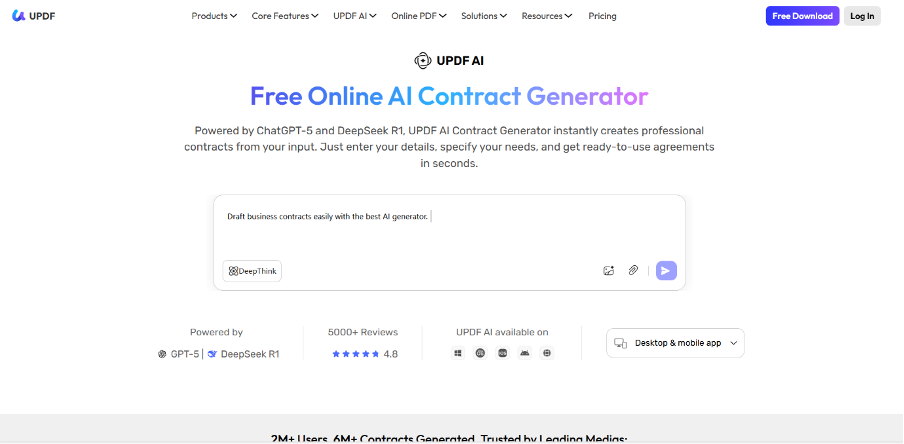
The UPDF AI contract generator is designed to understand complex instructions. It does not just fill in blanks on a template. It uses advanced language models to generate entire clauses based on natural language prompts. You can access it through UPDF AI Online. This web-based platform allows you to generate content from any device without installation.
The real power comes from how it connects to the main UPDF software. Once you generate a contract online, you can move it to the UPDF editor to format text. You can also convert it to your desired platform, like PDF, and add your digital signature; all in a single suite.
Key Features
- DeepThink Mode: This is the most significant feature. Standard AI models often rush to an answer. DeepThink takes extra time to reason through the prompt. It analyzes the legal requirements and potential loopholes before generating the text. This results in highly structured and precise contract output.
- One-Click Generation: You do not need to be a prompt engineer. You enter a simple request like “Draft a freelance graphic design contract for a project in New York.” The tool handles the formatting and legal terminology.
- Free Allowance: It acts as a free AI contract generator for new users. You get a free allowance of 100 prompts to test the capabilities before committing.
- Seamless Ecosystem: The content you create in the AI interface works perfectly with UPDF’s editing tools. You can generate the text and export it. You can annotate specific sections for review. You can send it for signature all within the same workflow.

Simple Steps to Use It
- Navigate to the AI contract generator You can also log in to the online portal.
- Select the “DeepThink” mode if you need a complex agreement. This ensures the AI considers all necessary legal nuances.
- Type your requirements into the chat box. Be specific about the parties involved. Mention payment terms and the jurisdiction.
- Review the generated text. You can ask the AI to revise specific sections. You might say, “Make the termination clause stricter.”
- Copy the content into a document. You can also export it to PDF to finalize the formatting.
Pros
- DeepThink provides superior logic compared to basic chatbots.
- The free 100 prompts are generous for testing.
- It integrates directly with a PDF editor for signing and sharing.
- The interface is clean and requires no learning curve to grasp it.
Cons
- The generated text still requires human review to ensure it matches local laws.
- You need an internet connection to access the online generation features.
2. Legitt
Legitt focuses heavily on the lifecycle of the contract. It is marketed towards businesses that need to track agreements from creation to signature.

What It Is
Legitt is a Contract Lifecycle Management (CLM) platform. It uses AI to assist in the drafting process. It is built for users who deal with a high volume of agreements. It helps keep them organized. It offers an AI contract creator that helps you build documents from a library of pre-existing templates or through AI assistance.
Key Features
- Legitt emphasizes the workflow. It allows you to track the status of a contract after you send it. You can see when it was opened and even when it was signed.
- The AI component assists in drafting custom clauses.
- The tool can also summarize existing long contracts.
- It also helps in extracting key data points from uploaded documents.
Simple Steps to Use It
- Create an account on the Legitt platform.
- Go to the “Create Contract” section.
- Choose to start with an AI draft.
- Input the type of contract and the key parameters.
- The system generates a draft. You can then edit using their internal editor.
Pros
- It is good for tracking the status of sent documents.
- It offers features for post-signature management.
- The interface is designed for business workflows.
Cons
- The interface can be overwhelming if you just want to write a quick document.
- The setup process is longer compared to simpler generative tools.
- Advanced features are often locked behind higher-tier subscriptions.
3. Typli
Typli is a versatile writing assistant that includes specialized tools for legal writing.
What It Is
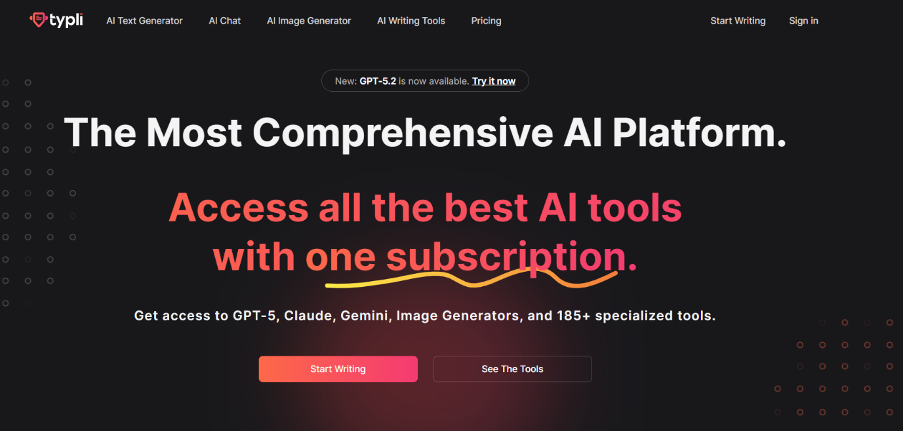
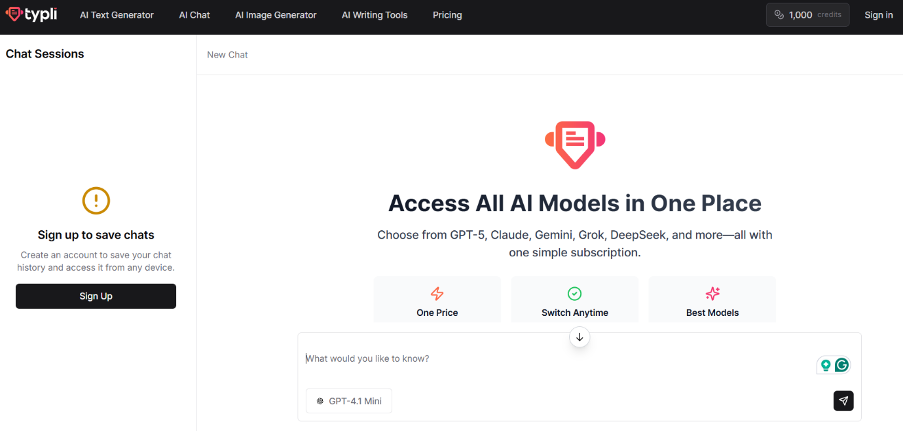
Typli is not just for contracts. It is a general-purpose AI writer. It includes templates for various content types, including legal documents. It is a good option for freelancers or copywriters who occasionally need to draft a simple agreement. It functions as an AI contract generator by using specific command templates that guide the AI to produce formal language.
Key Features
- Typli uses Natural Language Processing (NLP) to ensure the text sounds professional.
- It offers a “command” feature where you can instruct the AI to “Write a rental agreement.”
- The tool has a built-in plagiarism checker for plagiarism and uniqueness. This ensures your contract does not look like a carbon copy of a generic web template.
Simple Steps to Use It
- Log in to Typli and select the “AI Writer” tool.
- Choose a command or template relevant to legal documents.
- Enter the details of the agreement, such as names, dates, and payment amounts.
- Click “Generate.”
- The tool produces several variations. You can choose the one that fits your tone best.
Pros
- It is a versatile tool that can be used for emails and blogs as well.
- The interface is simple and intuitive.
- It produces content quickly with variations to choose from.
Cons
- It lacks the deep legal reasoning capabilities found in specialized tools.
- It does not offer PDF management or e-signature features.
- You often have to copy-paste the result into a different word processor to format it.
Conclusion
Choosing the right AI contract creator depends on your specific workflow. Legitt is suitable for teams that need to track the entire lifecycle of a document. Typing works well for those who need a general writing assistant that can occasionally handle a simple agreement.
Most users need precision and efficiency. The UPDF AI contract generator is the superior choice for them. Its DeepThink mode ensures that the contracts are logically sound and detailed. The seamless connection to UPDF’s editing and signing tools means you can go from a blank page to a signed PDF in one session. Plus, it also comes with a free allowance of 100 prompts, making it easy to try without risk. You can visit UPDF AI Online to start drafting today if you want to streamline your legal documentation.
