
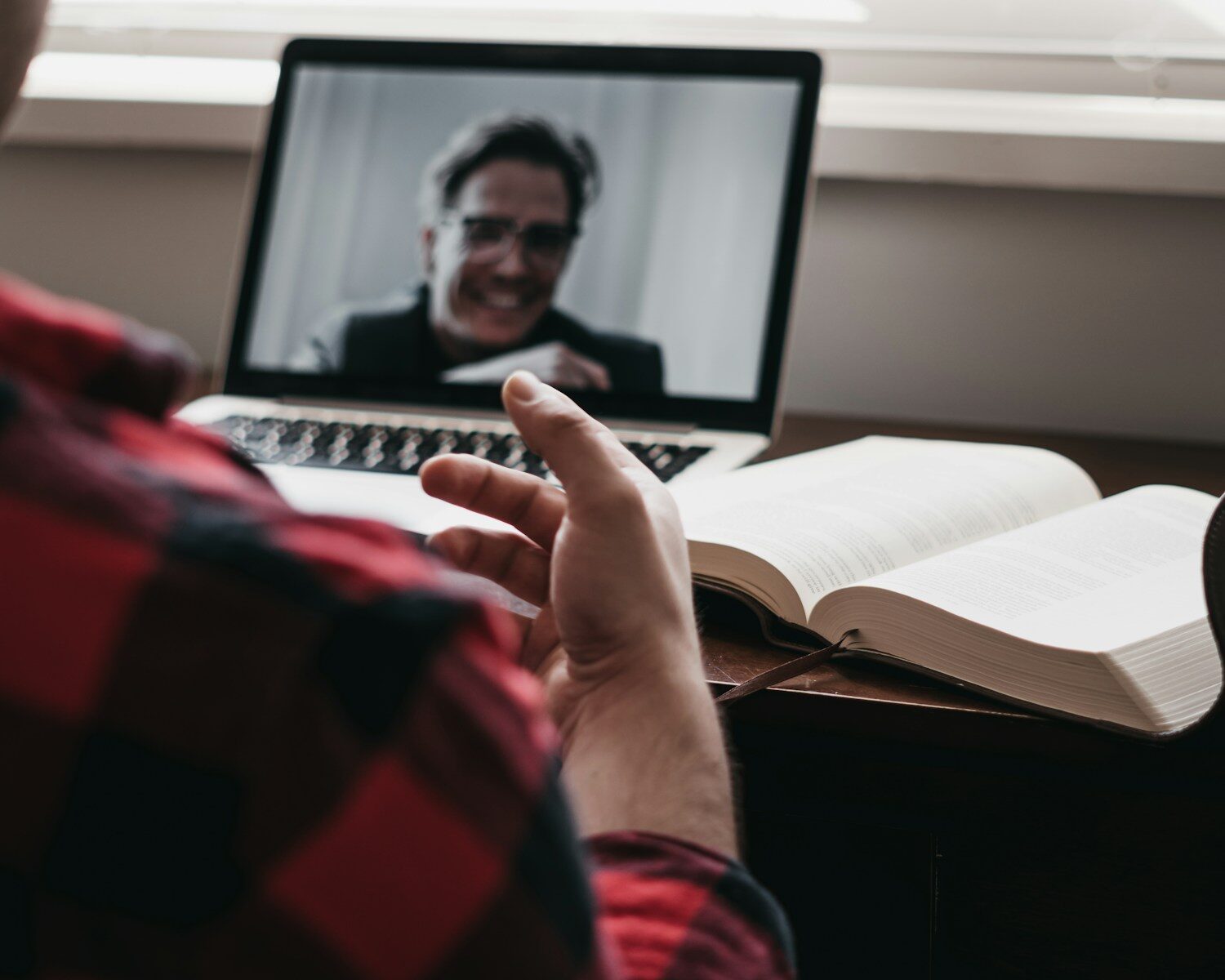
Mastering video calls is crucial for effective communication. From setting up your environment to ensuring clear audio, every detail matters. Whether you’re working from home or connecting with global teams, these tips will help you host smooth and engaging meetings.
Video calls have become an integral part of our daily communication, especially in the realm of remote work. Mastering video calls can significantly enhance your professional interactions and help keep everything running smoothly. In this article, we’ll explore some practical tips for achieving seamless video meetings, ensuring you’re prepared and confident every time you hit that “join” button.
Set the Scene: Your Perfect Video Call Setup
Creating the right environment for your video calls can make a world of difference. Start by finding a quiet, well-lit space where interruptions are minimal. Natural light is your best friend, so position yourself facing a window. If that’s not possible, make sure your room is well-lit with lamps or overhead lighting. This will ensure your face is clearly visible, which is essential for non-verbal communication cues. For more tech tips on optimizing your workspace, check out our detailed guide on home office essentials.
Another crucial element is a clutter-free background. Opt for a clean, professional backdrop—perhaps a bookshelf or a plain wall. This minimizes distractions for your participants and keeps the focus on you. Consider using virtual backgrounds if your real-life setting isn’t ideal, but ensure your device’s processor can handle it without lagging. Adding personal touches like plants or artwork can also create a welcoming atmosphere.
Lastly, ensure your equipment is up to the task. A stable internet connection is paramount, so consider using an Ethernet cable for a more reliable connection than Wi-Fi. Regularly update your video conferencing software to avoid unexpected glitches. Investing in a good quality webcam and microphone can significantly enhance video and audio quality, making your meetings more professional and engaging.
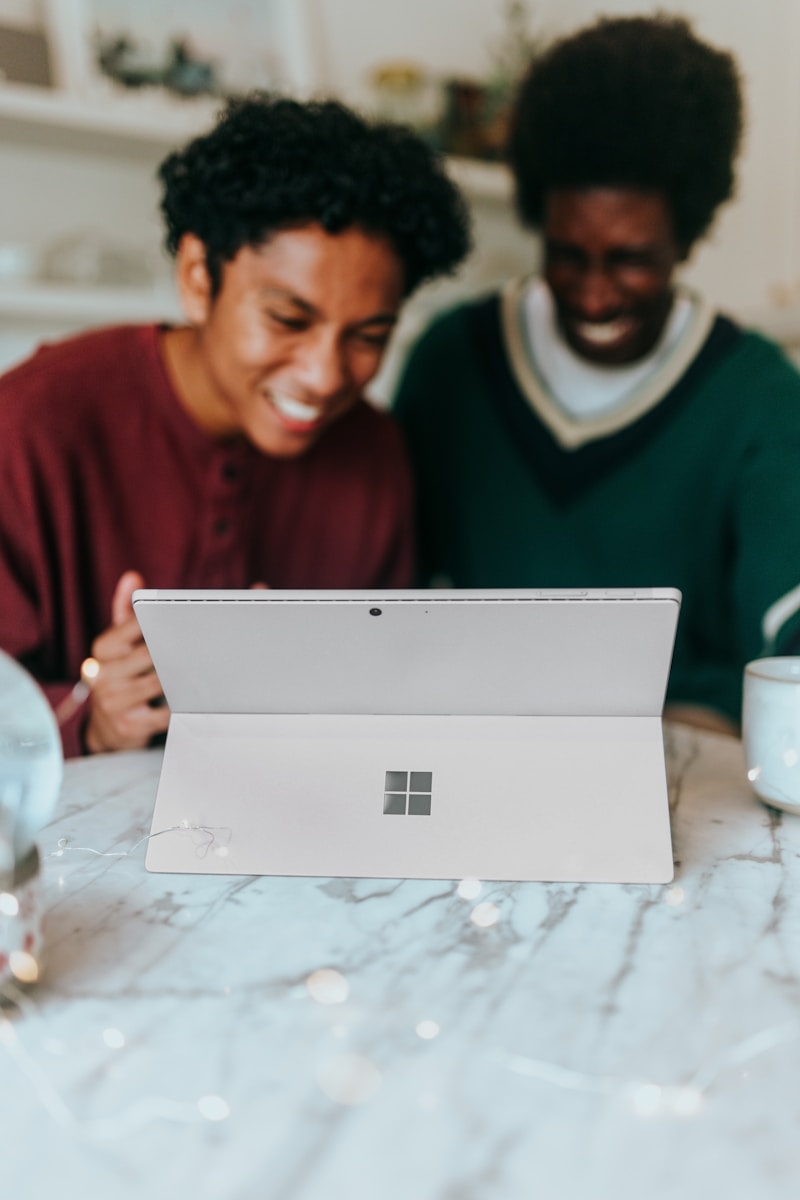
Look Sharp: Dressing and Camera Angles Matter
Dressing appropriately for video calls is just as important as showing up in person. Your attire should match the meeting’s context—business casual for most scenarios, and formal wear for more important meetings. Avoid bright patterns or flashy accessories that can be distracting on camera. Sticking to solid colors often works best, helping you look sharp and professional.
Camera angles play a vital role in how you are perceived during a video call. Position your camera at eye level to create a natural line of sight, making it feel more like a face-to-face conversation. Stacking books under your laptop can easily adjust the height. Ensure your camera is steady and not wobbling, as any movement can be distracting to others.
Maintaining good posture can also positively impact your presence on video calls. Sit up straight and ensure your face is well-framed within the camera’s view. This showcases confidence and attentiveness, keeping your audience engaged. For more tips on how to optimize your webcam settings and angles, take a look at our comprehensive article on tech optimization for remote work.
Clear Sound: Tips for Crystal-Clear Audio
Audio quality is a critical component of effective video calls. Start by choosing the right microphone. While built-in laptop microphones may suffice for casual calls, investing in an external microphone can dramatically improve audio clarity. USB microphones are a popular choice for their ease of use and quality sound.
Minimize background noise to ensure your voice is heard clearly. This can be achieved by closing windows, using noise-canceling headphones, or employing noise reduction software. Some video conferencing platforms offer built-in noise suppression features, so explore these options within your software settings.
Regularly test your audio setup before important meetings to avoid any mishaps. Most conferencing tools have a test call feature where you can check your microphone levels and speaker output. Adjust the settings until you achieve the best sound quality. For more insights into improving your audio setup, explore our article on audio tech for remote workers.
Engage! Keeping Everyone’s Attention Online
Engaging participants during a video call can be challenging, but it’s essential for productive meetings. Start by setting clear objectives and an agenda before the call. Sharing this with participants in advance allows everyone to prepare and contribute effectively.
During the meeting, encourage interaction by asking questions and inviting input. Using features like polls or chats can help keep the conversation dynamic and inclusive. Make eye contact by looking at the camera rather than the screen, which helps create a sense of connection with your audience.
Finally, be mindful of your energy and enthusiasm. Your tone of voice and body language play significant roles in maintaining engagement. Show genuine interest in others’ contributions and provide positive feedback. Being attentive and responsive can make your meetings more enjoyable and productive for everyone involved.
Mastering video calls might seem daunting at first, but with the right setup and approach, you can host smooth and engaging meetings. By focusing on your environment, appearance, audio, and engagement strategies, you’ll be well on your way to becoming a video call pro. Embrace these tips, put them into practice, and watch your remote interactions become more effective and enjoyable.
