
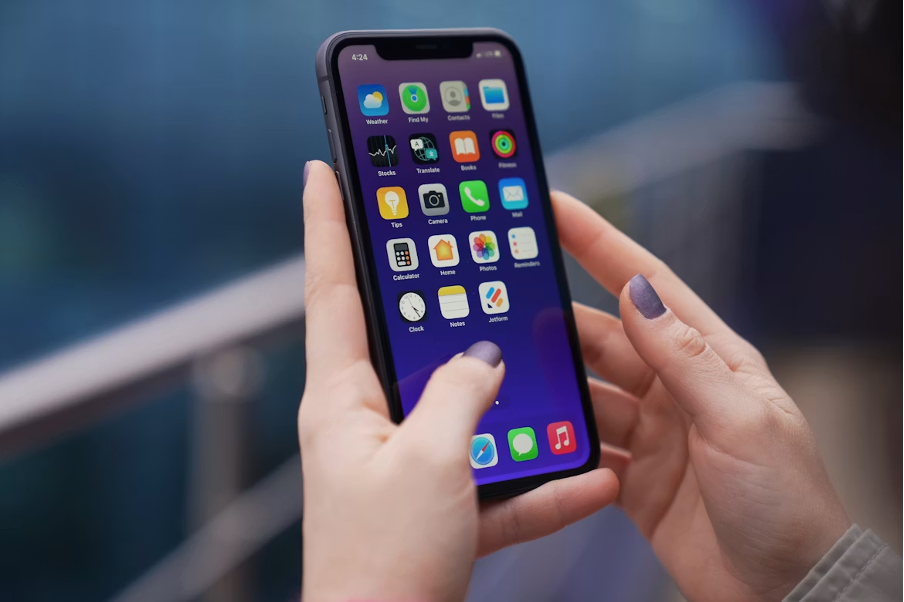
Downloading a poker app sounds like the simplest task in the world: find it, tap install, start playing. In practice, a few minutes of preparation can save you from a slow install, a laggy first session, or — in the worst case — a lookalike app that was never the real thing at all. iPhone users have a generally smooth experience with app installs, but that smoothness can breed complacency. The GGPoker client is a fairly substantial piece of software with live multiplayer features, and it rewards a device that is ready for it. This article walks through a practical pre-download checklist: what to confirm before you tap the button, and what to tidy up right after the install finishes.
Start with the source, not the app
The single most important check happens before you download anything: make sure you are getting the client from an official source. For GGPoker, that means starting from the official website and following its download instructions for iPhone, rather than tapping the first result in a search engine or a link someone shared in a group chat. Copycat pages and repackaged installers exist for almost every popular app, and poker clients are no exception. A fake client can look convincing on the surface while doing nothing you would want underneath.
The habit worth building is simple: type the official address yourself or use a bookmark you created earlier, then let the official page route you to the correct install path. If a page pressures you to sideload something unusual, ignore warnings from your phone, or change security settings to make an install work, treat that as a signal to stop. Legitimate install flows do not ask you to lower your defenses. One more note while you are on the official site: availability varies by region, so check the official site for whether the client is offered where you are.
Read the current requirements on the official page
Every app has system requirements, and they change over time as developers update their software. This is exactly why it is a mistake to rely on a forum post or an old article telling you which devices or software versions are supported — that information goes stale quickly. The official GGPoker download page is the source of truth for current requirements, and checking it takes less than a minute.
While you are there, look for anything else the page tells you about the install process itself. Official download pages often describe the expected steps, which makes it easy to notice if the flow you are experiencing differs from what the developer describes. If what you see on your phone does not match what the official page says should happen, pause and figure out why before continuing.
Free up storage — and understand why it matters
Storage is the check most people skip, and it causes more problems than any other. It is not just about having enough room for the initial download. An app needs additional working space for temporary files, caches, and updates. When an iPhone runs close to full, the system starts working harder to manage what little space remains, and apps can feel sluggish, stutter during animations, or fail to update cleanly.
For a client like GGPoker, which renders animated tables and keeps assets cached locally, cramped storage translates directly into a worse experience: slower launches, occasional hitches during play, and updates that fail halfway. Before downloading, open your storage settings and see where you stand. If you are near the limit, clear out old videos, offload apps you have not touched in months, and give yourself comfortable headroom rather than the bare minimum. A device with breathing room simply behaves better, and that is true for every demanding app, not just poker software.
Players who prefer reading in Chinese can find a practical walkthrough on the GG??????? page, a Chinese-language resource that mirrors the steps GGPoker lays out in its official install flow. It covers the same ground — source verification, requirements, and the install sequence — for readers more comfortable in that language.
Check your network before you tap download
A poker client is not a tiny utility; the download is large enough that connection quality matters. A weak or unstable connection can leave you with a stalled download, or one that completes but takes far longer than it should. Where possible, use a reliable Wi-Fi connection rather than a patchy mobile signal, and avoid starting the download while your network is busy with other heavy tasks like video streaming on multiple devices.
Stability matters after the install too. Online poker is a live, synchronous activity: every table update travels over your connection. Testing your network before you download is really a preview of the experience you will have while playing. If your connection struggles to pull down the installer, it will likely struggle at the tables as well, and that is worth knowing early.
Set expectations for battery and performance
Multiplayer games with animated interfaces work the device harder than a notes app does, and it is reasonable to expect the GGPoker client to use meaningfully more battery during a session than passive browsing would. That is normal for this category of software, not a defect. A few sensible habits help: start longer sessions with a decent charge, close background apps you do not need, and do not be surprised if the phone runs a little warm during extended play.
Performance follows the same logic. A phone juggling dozens of background tasks, low storage, and a fragmented battery day will make any demanding app feel worse. If you notice sluggishness, the fix is usually general device hygiene — restart the phone, free storage, close what you are not using — before assuming the app itself is at fault.
After the install: permissions, notifications, and account basics
Once the client is installed, take two minutes to review what it can access. iPhones let you inspect and adjust each app’s permissions, so look through what the app requests and grant only what makes sense for how you intend to use it. The same goes for notifications: poker clients tend to be enthusiastic about alerts, and you can trim them to just the ones you actually want, such as tournament starting reminders, while silencing the rest.
Then there is the account itself. Use a strong password that you do not reuse anywhere else — a password manager makes this painless — and keep your credentials strictly private. No one who genuinely represents a service needs you to reveal your password, so treat any such request as a red flag. If additional account security options are offered in the client’s settings, turning them on is rarely a bad idea.
Keep the client updated
Your relationship with the app does not end at install. Updates carry fixes, performance improvements, and security patches, and running an old version is the most common self-inflicted source of problems. Enable automatic updates if you are comfortable with them, or make a habit of checking for updates before longer sessions. An out-of-date client is also the first thing to rule out when something misbehaves, since many issues disappear the moment you update.
None of these checks is difficult, and together they take perhaps ten minutes. Confirm the official source, read the current requirements, clear real storage headroom, get on a stable network, set fair expectations for battery, tidy up permissions and account security after install, and stay current with updates. Do that, and your first session starts the way it should: with poker, not troubleshooting.
