

Disclaimer: All tools are independently tested through the lens of real classroom needs. No paid placements. Data from official product pages.
Last Updated: June 2026 | Next Scheduled Review: December 2026
Teachers are on a Sunday evening ritual of turning large lesson outlines into digestible slides. In years of teaching, I have seen lesson planning consume 10 to 15 hours of my week. The introduction of generative AI has promised to bring back that time. Unfortunately, most software was designed for corporate boardrooms, and you won’t get inspired business jargon or cool graphics out of eighth graders.
To address this, I subjected several leading market platforms to a thorough classroom test, assessing their ability to handle academic requirements, deadlines, and science diagrams.
What Teachers Actually Need
As a team, we considered four primary benchmarks when assessing slides for use in an educational setting:
- Grade-level: Modifying syntax, vocabulary, and conceptual level from third grade to high school.
- Curriculum fit: Inserting direct lesson scripts, frameworks, or PDFs into the engine rather than using an open chatbot prompt.
- Quick editing: Provide for quick, granular adjustments to slides, rather than having to regenerate a deck.
- Export reliability: Cleanly converting to PowerPoint or Google Slides, even maintaining layouts and text boxes.
At the end of the day, educators need tools tailored for pedagogical control and integration with the curriculum, with an emphasis on classroom-ready formatting that differs from typical corporate design.
Quick Comparison Table
| Tool | Best For | Free Plan | Grade-Level Support | Rating |
| AiPPT | Fast, Clean Slides from Lesson Plans | Yes (140 credits) | Native multi-level adaptation | 9.8 / 10 |
| Gamma | Interactive Lessons & Async Materials | Yes (400 credits) | Flexible reading levels | 9.2 / 10 |
| Plus AI | Native Google Slides Workflows | Yes (Free trial) | Manual prompt-guided adjustments | 8.9 / 10 |
| Canva AI | Visual & Design-Heavy Classrooms | Yes (Basic features) | Age-targeted template selection | 8.5 / 10 |
| Presentations.AI | Structured Lecture-Style Decks | Yes (Limited) | High school & university focus | 8.2 / 10 |
| SlidesAI | Straight Text-to-Slide Conversion | Yes (3 decks/mo) | Text-dependent complexity | 7.9 / 10 |
1. AiPPT — for Teachers Who Need Fast, Clean Slides
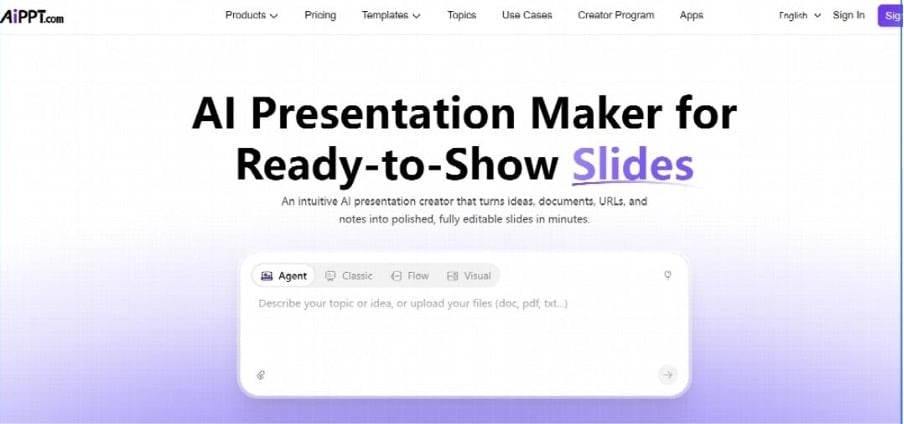
Ideal for: Quickly converting text, worksheets, or URLs into well-designed classroom slides.
Experience: AiPPT was the best AI presentation maker in terms of experience. I used it with an unformatted file on cellular respiration, and it was right in structuring learning objectives and summaries. No manual reorganisation was needed for the text, and it opened like a dream in PowerPoint on the older desktops.
Cons: Visuals and AI-generated images sometimes feel generic or repetitive and require minor manual adjustments. Additionally, layout elements can occasionally overlap during formatting shifts, which may require quick fixing before exporting.
Pricing: The free plan gives 140 credits. Paid levels begin at approximately $9.00/month.
2. Gamma — Best for Interactive Lessons & Asynchronous Materials
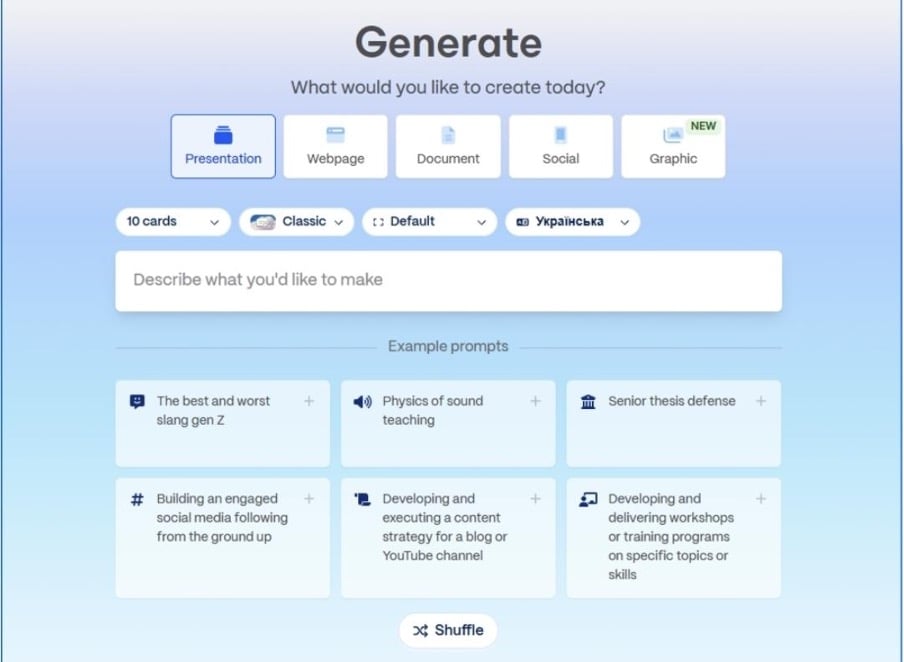
Ideal for: Project-based learning, digital stations, and providing study decks to student devices.
Experience: Gamma’s interface is flexible and document-like; it’s not linear. It includes the option to embed a YouTube video or a web frame in the middle of the lecture notes. Live web links are always available for classrooms with tablets, although .pptx exports may change.
Cons: Limited editing features; small number of available questions; weaknesses with videos.
Pros: Slicers, embedding quizzes, and low cost.
Pricing: The free plan gives 400 credits. Paid tiers run 10?11/month.
Teachers who are planning technology or digital-literacy lessons may also find these AI topics for presentation useful for classroom discussions, student projects, and research assignments.
3. Plus AI — Best for Native Google Slides Workflows
Ideal for: Districts that have no other collaborative building outside of Google Workspace.
Experience: Plus AI is an embedded solution that integrates seamlessly with Google Workspace, replacing the need for new dashboards. Writes good outlines, font and icon choices are more corporate, some swapping of fonts and icons for child-friendly.
Cons: Cannot save to other formats; does not support rewriting of multislides.
Pricing: Free Trial. Paid tiers begin at 10.00to12.00/month.
4. Canva AI — Best for Visual & Design-Heavy Classrooms
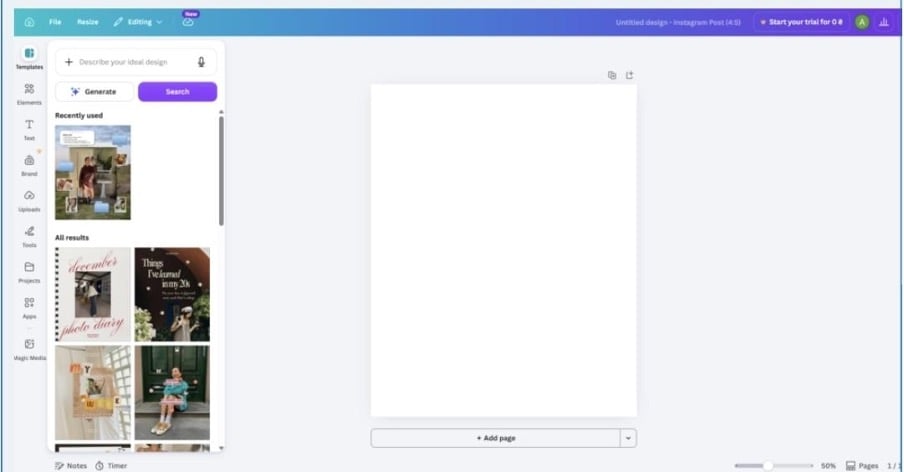
Ideal for: Teachers in early childhood and classes with a strong focus on visuals and pictures.
Experience: Canva’s Magic Design created this gorgeous third-grade solar system deck that features colourful graphics. The AI-generated text, however, is very shallow and does not provide a meaningful explanation of the curriculum, and more manual writing will be required.
Cons: Difficult to use for saving files in different formats; lacks formatting options.
Pricing: AI is available to verified educators on Canva for Education at no cost.
5. Presentations.AI — Best for Structured Lecture-Style Decks
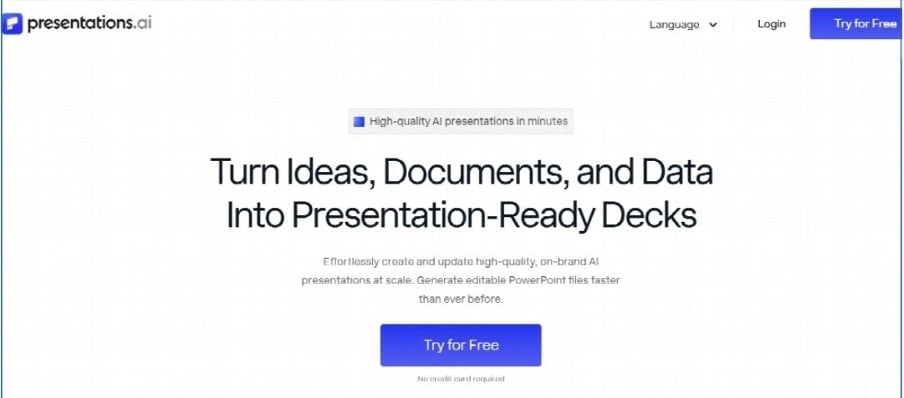
Ideal for: AP-level high school courses or college instructors seeking information-rich text.
Experience: An engine that constructs traditional, systematic slides for complex topics and ideas, such as European History. It doesn’t simplify things or stray too far outside of a typical presentation format, so it’s a very safe choice for traditional lecture presentations.
Cons: The output layouts can feel overly traditional or rigid, offering limited creative and modern design styles. Additionally, heavy text density on slides may occasionally require manual trimming to improve visual breathing room.
Pricing: Free Basic tier with credit limits. Pro tiers begin at $12.00/month.
6. SlidesAI — Best for Straight Text-to-Slide Conversion
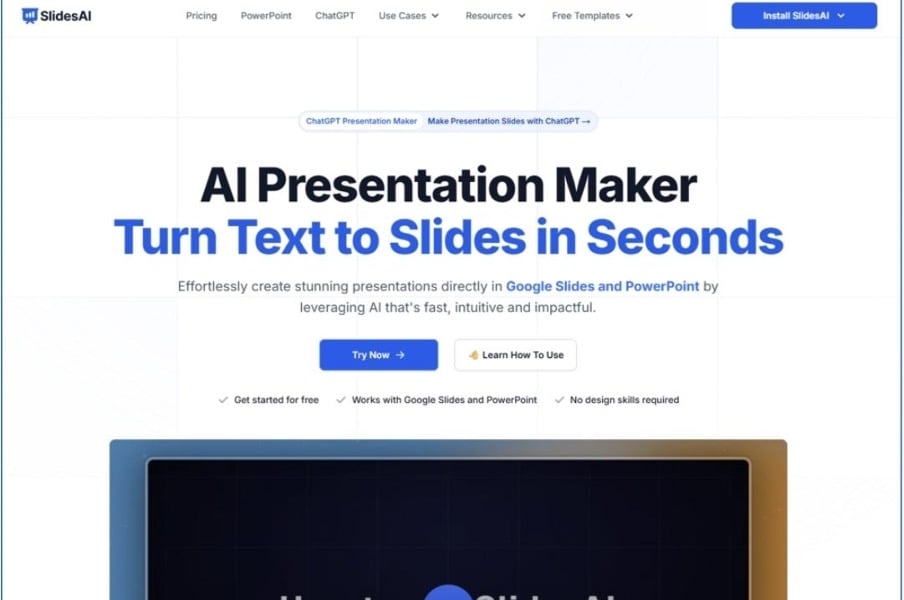
Ideal for: Textbook or lecture notes into basic bullet points in a hurry.
Experience: I had a 3,000-word chapter summary on ecosystems that I needed to upload to SlidesAI. It interpreted the text properly in 10 slides; the design was very simple (plain white backgrounds), so you will need to invest time in adding images later.
Cons: There’s no real con – a few minor ones, but nothing significant.
Pricing: The free plan is 3 decks/month. Paid levels begin at $10.00/month.
Final Verdict
It all depends on the weekly prep schedule and how your students learn. AiPPT accepts our #1 recommendation. Combines the best of document reading with clean and trusted PowerPoint export, maintaining format across devices. If you give students a link to a website or have individual laptop rotation stations, then Gamma is the obvious answer. If you don’t want to import files and prefer to remain within Google Slides, then Plus AI is the best option. If you use a verified institutional email address, you’ll have access to an unparalleled collection of free visual elements in Canva for Education.
