
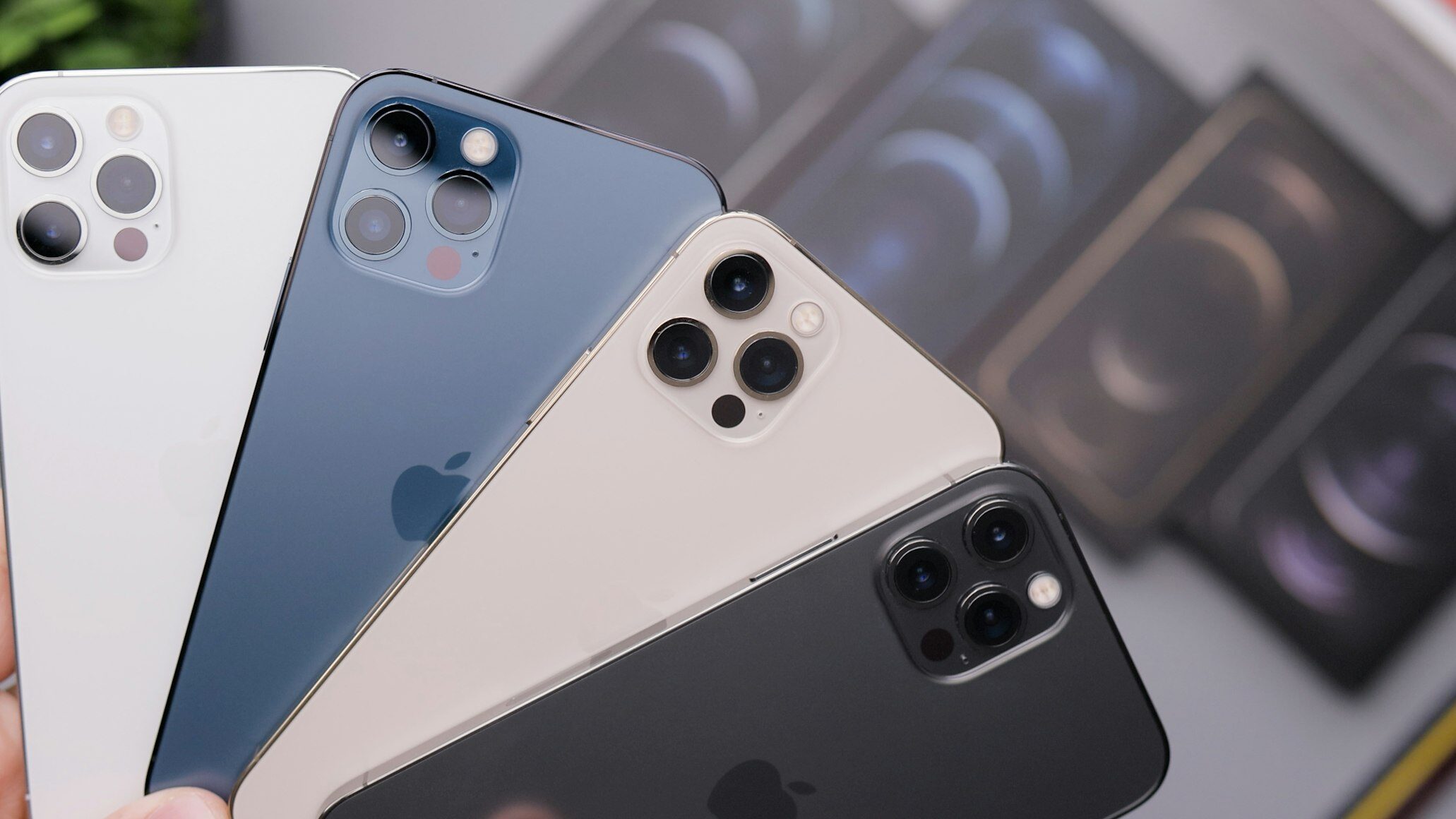
Smartphones have transformed the way people create video. What used to require expensive cameras and editing suites can now be done with a device that fits in your pocket.
The iPhone, in particular, offers powerful tools that allow you to capture smooth, cinematic footage with a little planning and the right techniques.
While the iPhone has impressive built-in features, the key to professional-looking video lies in how you use them. With thoughtful setup, steady movement, and some creative adjustments, your videos can look like they were shot with gear worth thousands of dollars.
Keeping Your Shots Steady
One of the most noticeable differences between amateur and professional video is stability. Shaky footage distracts the viewer and makes even interesting content hard to watch. Keeping your shots steady is one of the first steps toward achieving a polished look.
While you can steady your hands against a wall or tripod, investing in a phone gimbal can take things to the next level. A gimbal helps eliminate unsteady movement by automatically balancing your device, resulting in smooth, flowing shots that mimic what you’d see in films or commercials.
Making the Most of Natural Light
Lighting sets the tone of any video. Even the sharpest camera will struggle in poor lighting, while good light can make an iPhone video look stunning. Natural light is your best friend when filming with a smartphone.
Try filming during the golden hour—the hour after sunrise or before sunset—when the light is soft and flattering. If you’re indoors, position your subject near a window and avoid overhead lighting that can create harsh shadows. Simple adjustments to how you use available light can transform the quality of your video.
Using Composition Techniques
Professional videographers think carefully about framing and angles, and you can do the same with your iPhone. Composition determines how your subject appears in the frame and how the audience feels about the shot.
A simple technique is the rule of thirds, which divides your screen into nine equal parts. Place important subjects or objects along these lines to create balance and visual interest. Experiment with low or high angles to add variety and keep your footage engaging.
Exploring iPhone Camera Settings
Many iPhone users stick to default camera settings, but learning to adjust them can greatly improve your videos. For instance, filming in 4K provides sharper, more detailed footage than standard HD. You can also adjust frame rates to suit the mood of your project.
Higher frame rates, such as 60fps, are great for smooth motion, while lower ones like 24fps give your video a cinematic feel. Don’t forget about focus and exposure controls—tap and hold on your subject to lock these in place, preventing sudden shifts mid-shot.
Improving Audio Quality
Great video loses its impact if the sound isn’t clear. The iPhone microphone is decent for casual clips, but for a professional edge, audio deserves more attention. Background noise or muffled voices can pull viewers out of the experience.
If possible, use an external microphone designed for smartphones. Even a small clip-on mic can dramatically improve clarity. For times when you’re relying on the built-in mic, film in quieter environments and keep the phone close to your subject.
Editing for a Professional Finish
Shooting is only half the process—editing turns raw footage into a polished story. The iPhone itself offers editing tools in the Photos app, but dedicated apps like iMovie or LumaFusion provide more advanced features.
Editing allows you to trim clips, adjust color, add music, and control pacing. Even small tweaks can make a video feel cohesive and intentional. Think of editing as the final layer of professionalism that ties your project together.
Bringing It All Together
Creating professional-looking video with an iPhone is less about the device itself and more about how you use it. Attention to stability, lighting, framing, audio, and editing can elevate simple footage into something cinematic.
With practice, your iPhone becomes more than just a phone—it becomes a creative tool capable of impressive storytelling.
